

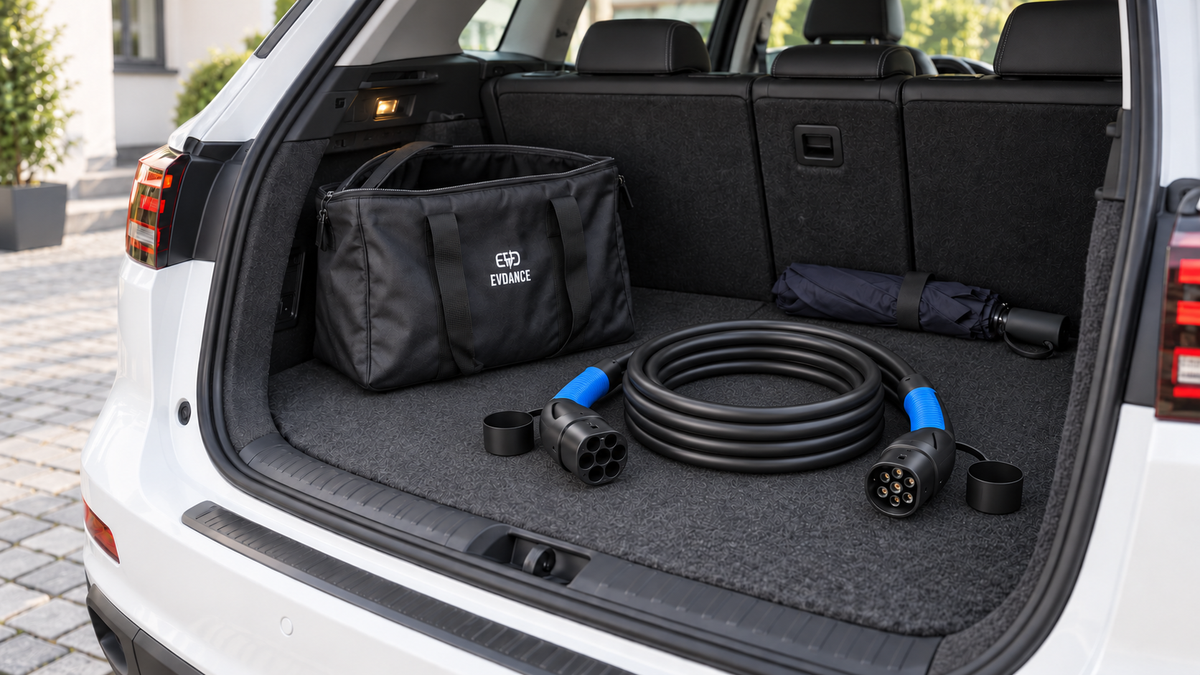
Your Type 2 charging cable may travel between your driveway, public charging points and the boot of your car several times a week. A simple care routine helps keep it organised and makes it easier to spot damage before the next charging session.
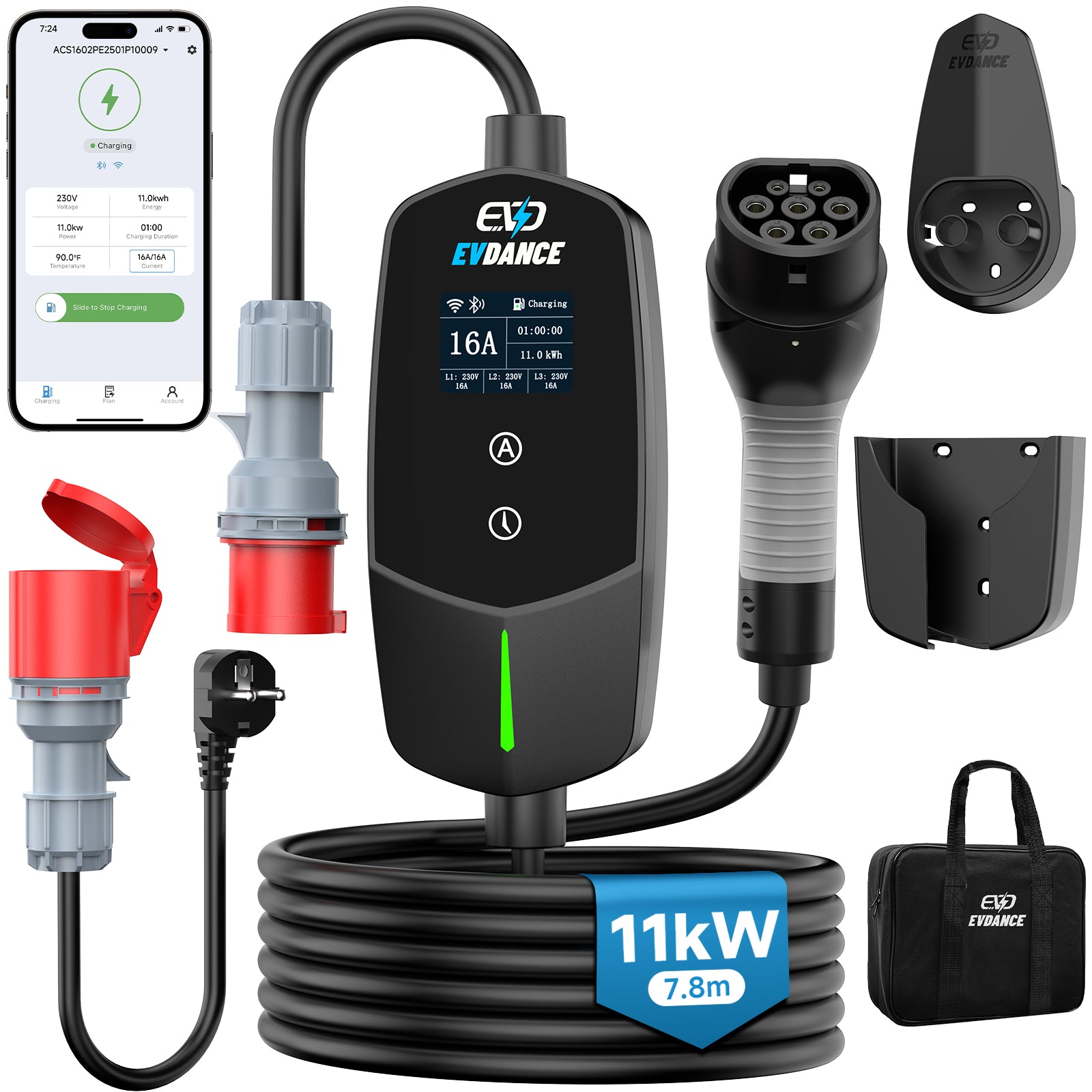
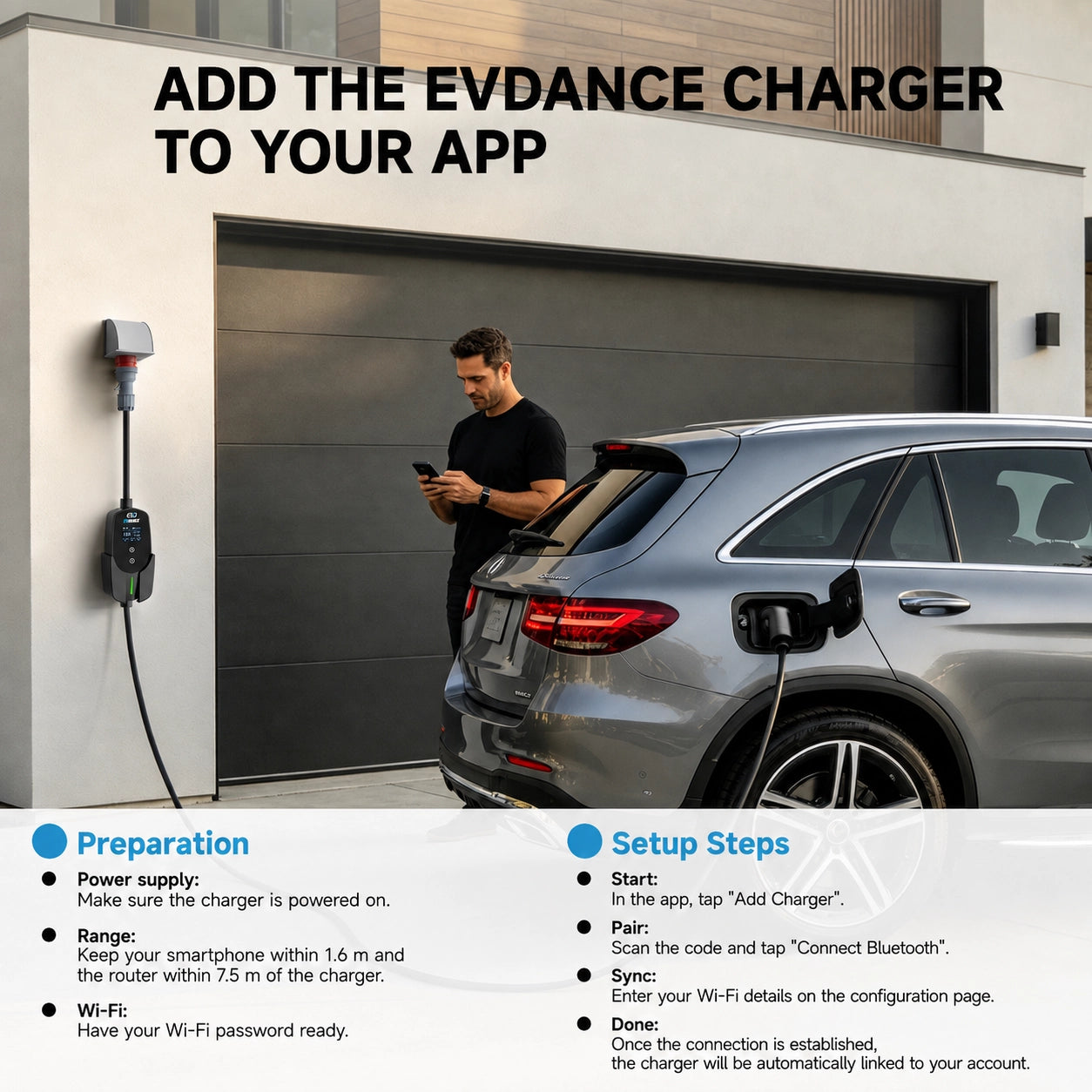
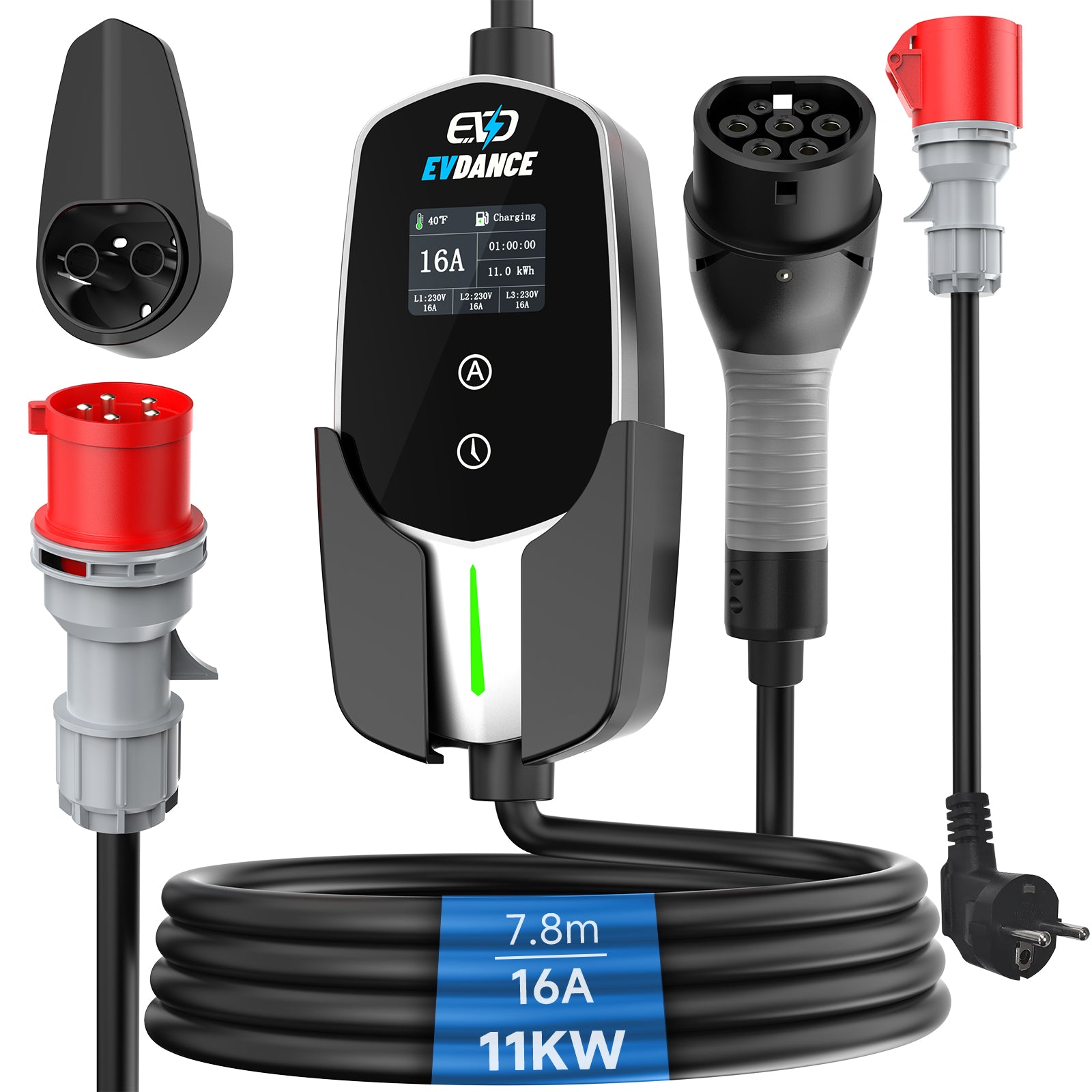
This guide covers detachable Type 2-to-Type 2 AC charging cables. Portable chargers with a control unit have additional instructions for their supply plug and electronics. Always follow the manual supplied with your exact product.
Quick Checklist for Charging Cable Care
- Check the cable and connectors before plugging in.
- Choose a cable route without tension, sharp bends or pinch points.
- Stop charging and unlock the connector before disconnecting.
- Form relaxed loops when coiling the cable for storage.
- Clean and store the cable according to its product instructions.
1. Check the Cable Before Each Charging Session
Take a moment to look at the cable and both connectors before use. If you usually charge after dark, periodically inspect the complete cable in good light.
Look for changes from its normal condition, including:
- Cuts, splits or exposed material in the outer insulation.
- A cracked or damaged connector housing.
- Bent, damaged or contaminated contacts.
- Discolouration, melting or other signs of overheating.
If something looks wrong, stop using the cable and contact the supplier for advice. Do not attempt to make a damaged cable usable with tape or a temporary repair.
2. Plan the Cable Route Before Connecting
Park so the cable reaches both sockets comfortably. Leave enough slack for a normal connection without stretching the cable or pulling on either connector.
Check the entire route. A cable may reach the vehicle but still pass beneath a wheel, through a closing garage door or across a busy walkway. Adjust the parking position if the route creates a risk of trapping, crushing or tripping.
Consider where your vehicle’s charging port sits and whether you normally reverse into your parking space. Extra length can be useful, but it also means more cable to handle and store.
For help choosing a practical length, read What Length Type 2 Charging Cable Do I Need?
3. Stop Charging Before Disconnecting
Use the vehicle or charging point’s normal stop and unlock procedure. Wait for the connector to release, then hold the connector body when unplugging.
Do not pull on the cable to remove the plug. If a connector remains locked, check the vehicle or charging point instructions rather than applying more force.
Public charging points may have their own steps for ending a session. Confirm that the session has ended before leaving, especially when payment is linked to an app or charging card.
4. Coil the Cable Without Forcing It
Once the cable is disconnected at both ends, form broad, relaxed loops. Follow the cable’s natural curve instead of twisting it into a small, tightly packed bundle.
The aim is a manageable coil that fits your storage space without sharp bends or strain near the connectors. Follow any minimum bending-radius guidance in the product manual.
- Avoid tight knots and forced twists.
- Do not wrap the cable tightly around the connectors.
- Use a supplied storage strap as instructed.
- Support both plugs when carrying the coiled cable.
Coiling here refers to storage after use. During charging, arrange the cable according to the manufacturer’s instructions.

5. Keep Cleaning Simple
Disconnect the cable from both the vehicle and charging point before cleaning. Check the product manual for approved cleaning methods and materials.
For example, MENNEKES’ Mode 3 charging cable manual advises using a dry cloth or one slightly dampened with water. Follow your own cable’s instructions rather than assuming that every cleaning product is suitable.
Do not spray liquid into the contacts, use a pressure washer or add lubricants unless the manufacturer specifically instructs you to do so.
If dirt or contamination is inside a connector and cannot be removed using the approved method, ask the supplier for advice before using the cable again.
6. Choose a Dedicated Storage Place
A consistent storage location makes the cable easier to find and reduces the chance of it being trapped beneath other items.
Storing Your Cable in the Car Boot
Choose a secure position where the cable cannot slide around or be crushed by heavy luggage. Keep it accessible so you do not need to unload the boot at your next charging stop.
A suitable storage bag can help keep the cable separate from other items. Before packing it away, check for moisture and dirt, and allow it to dry as instructed rather than sealing a wet cable in a closed bag.
Storing Your Cable in a Garage
Use a storage arrangement that supports the cable comfortably. Keep it away from sharp tools, moving equipment and places where doors could trap it.
Follow the specified storage temperature range and environmental requirements. Refit protective caps where supplied and instructed, keeping the contacts clean and dry.
Frequently Asked Questions
Can I keep a Type 2 charging cable in my car?
Yes, provided the conditions remain within the cable’s specified storage limits. Secure it so it cannot move around or be crushed by other items, and check its condition before use.
What should I do after using the cable in wet weather?
Disconnect it using the normal procedure, inspect it and follow the manufacturer’s drying and storage instructions. Do not pack away a visibly damaged or contaminated connector and assume it will be ready for the next session.
Can I leave my cable connected to a charging point?
Follow the equipment instructions and the site’s rules. At a public charging point, take your detachable cable with you when your session ends. At home, consider weather exposure, security and the intended connector storage arrangement.
Does a charging cable need regular replacement?
Follow the manufacturer’s inspection and replacement guidance. Age alone is not enough to judge a cable’s condition. Visible damage or a suspected fault needs assessment regardless of how recently the cable was purchased.
Will a longer Type 2 cable charge more slowly?
Length alone does not determine charging speed. Check the cable’s current and phase ratings alongside the vehicle and charging point. Choose a compatible cable that provides enough reach for a practical route.
For a detailed comparison, read 7.4 kW, 11 kW or 22 kW: Which Type 2 Cable Do You Need?
Make Your Next Charging Stop Easier
A quick inspection before use, a comfortable cable route and a consistent storage place make everyday charging more straightforward.
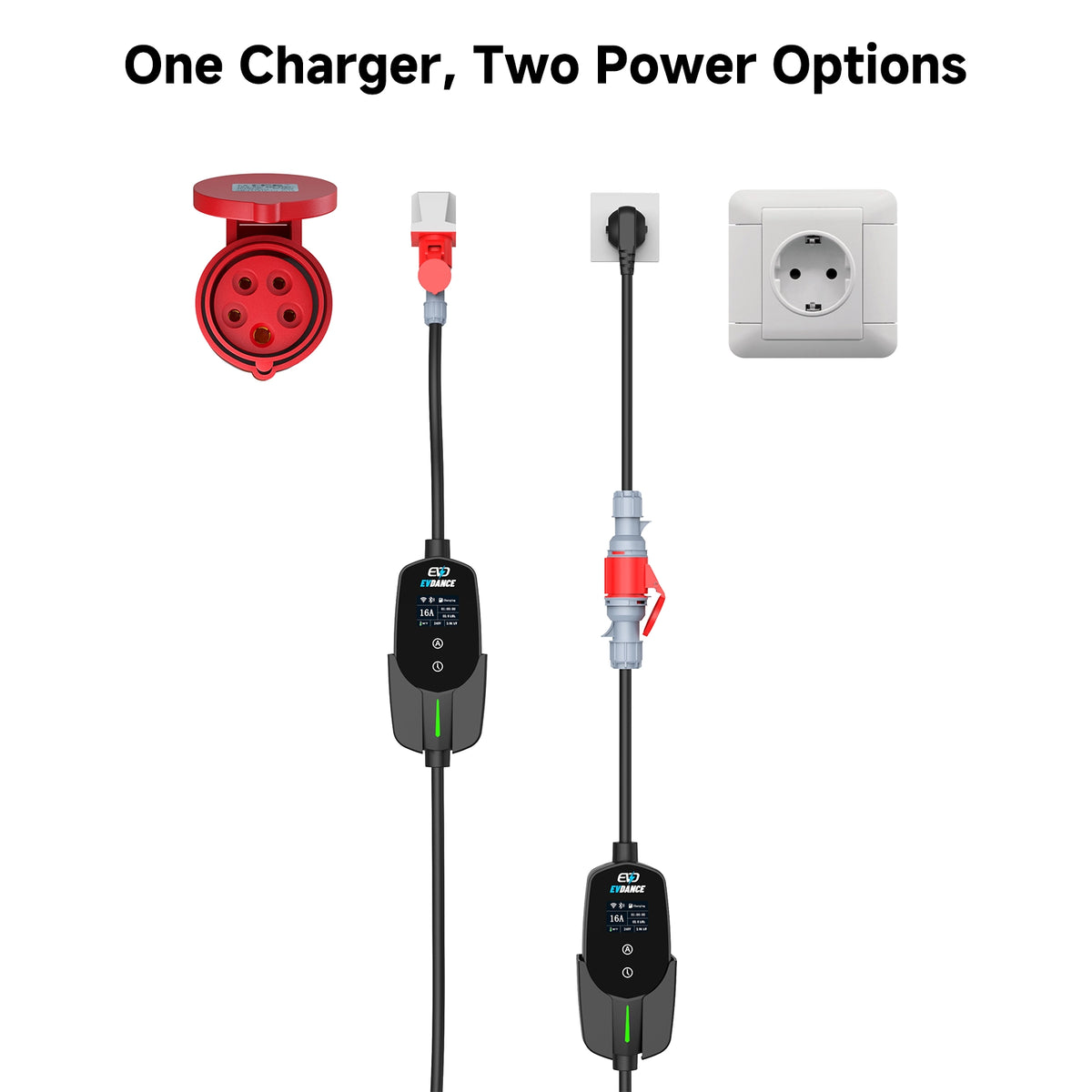
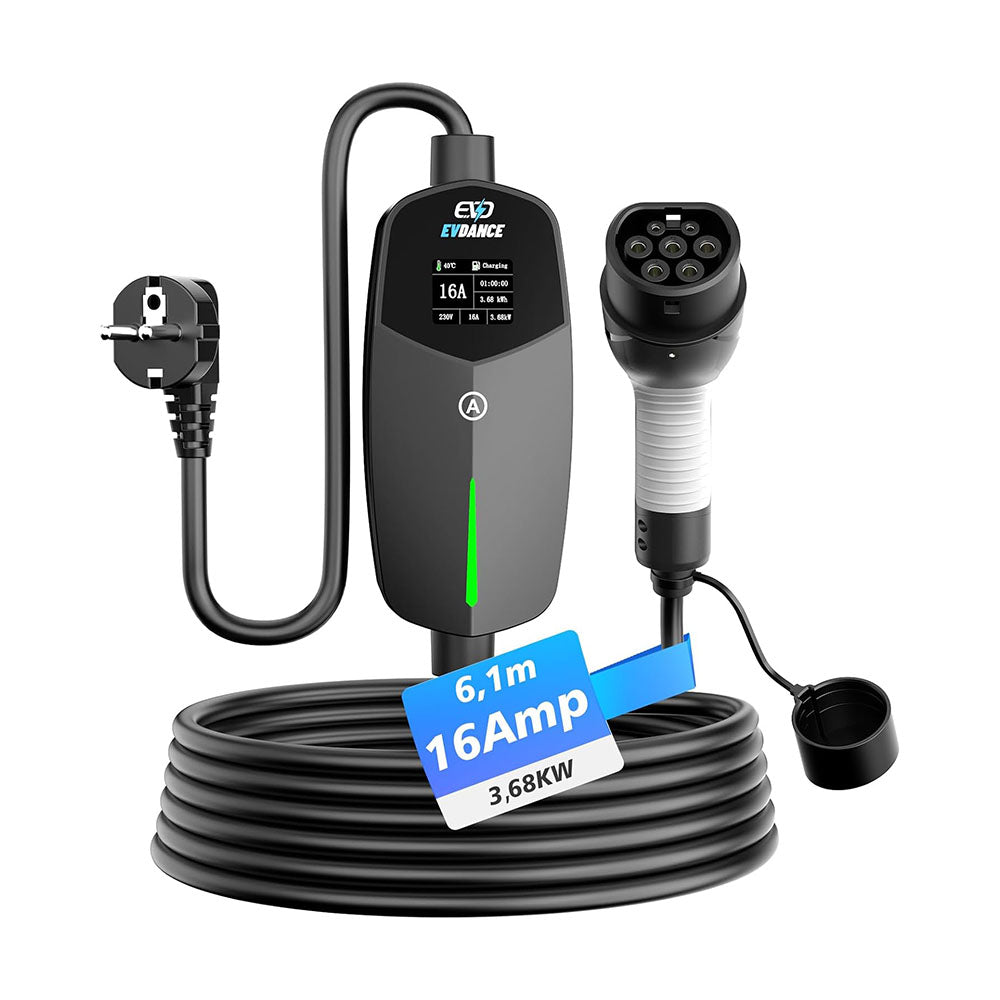
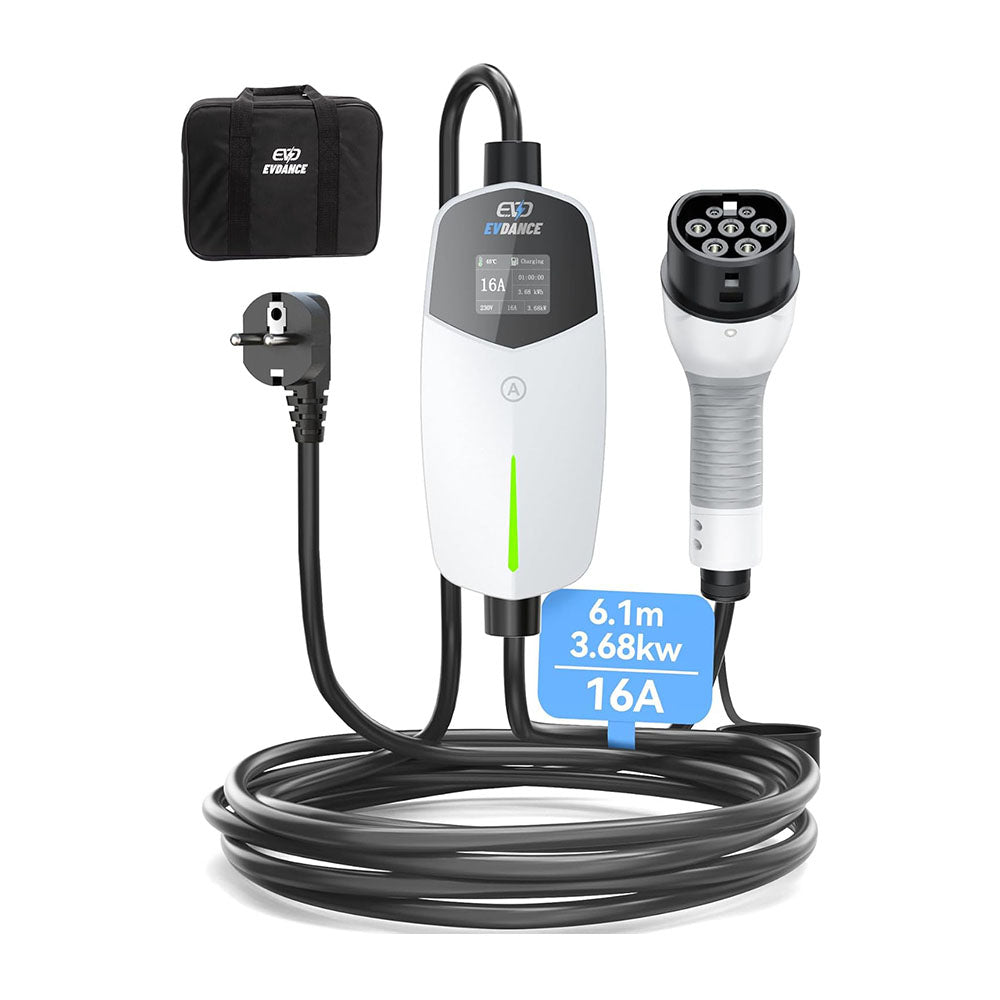
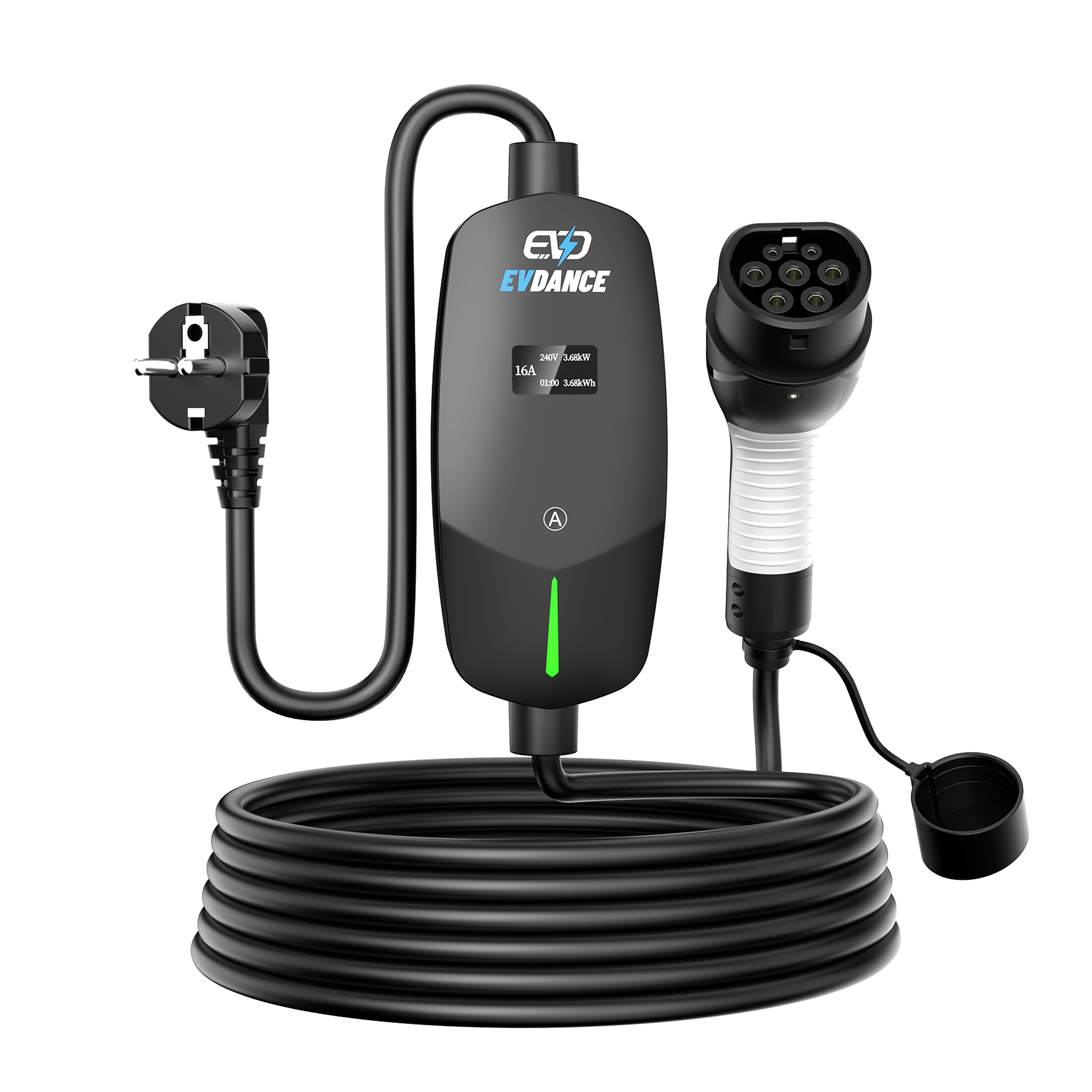
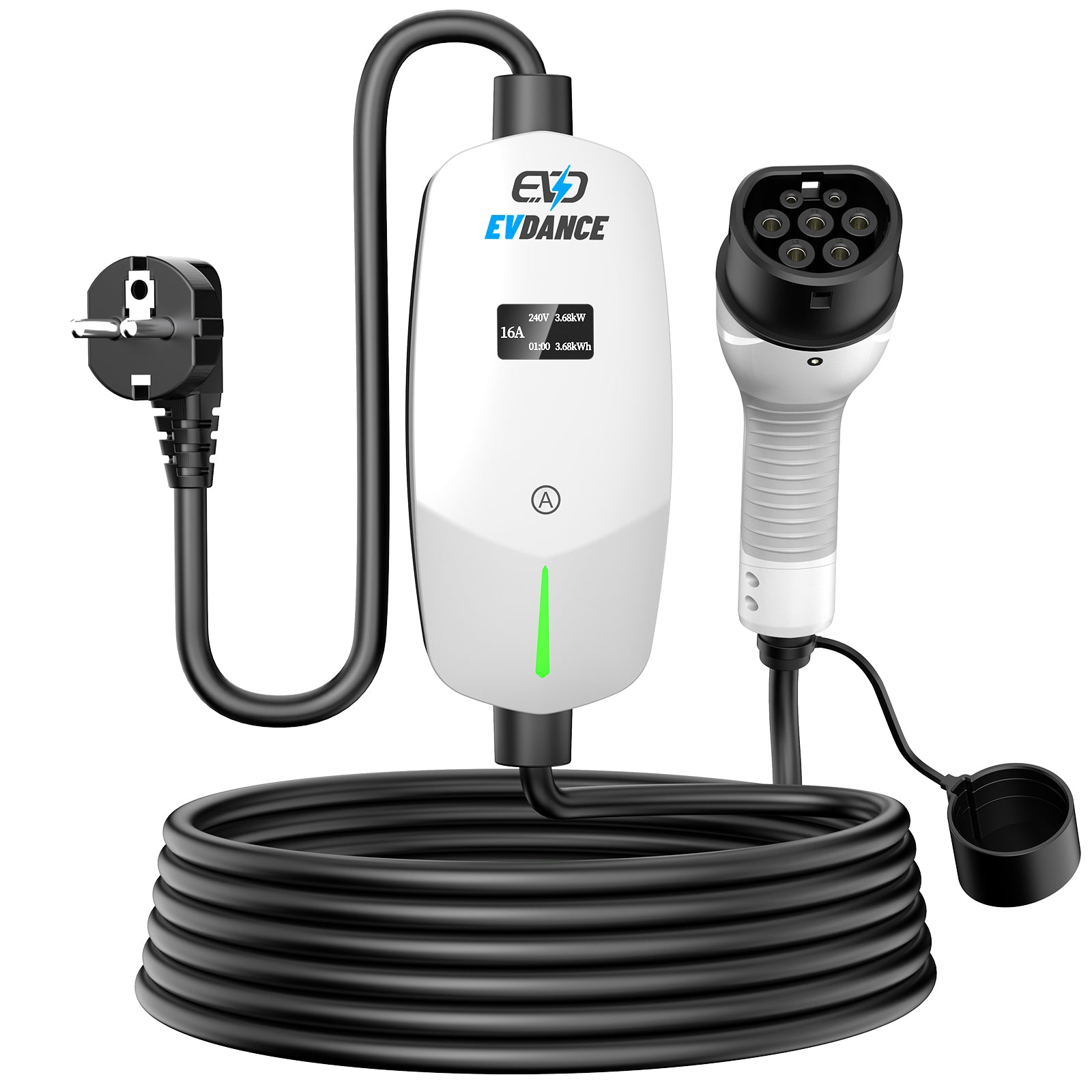
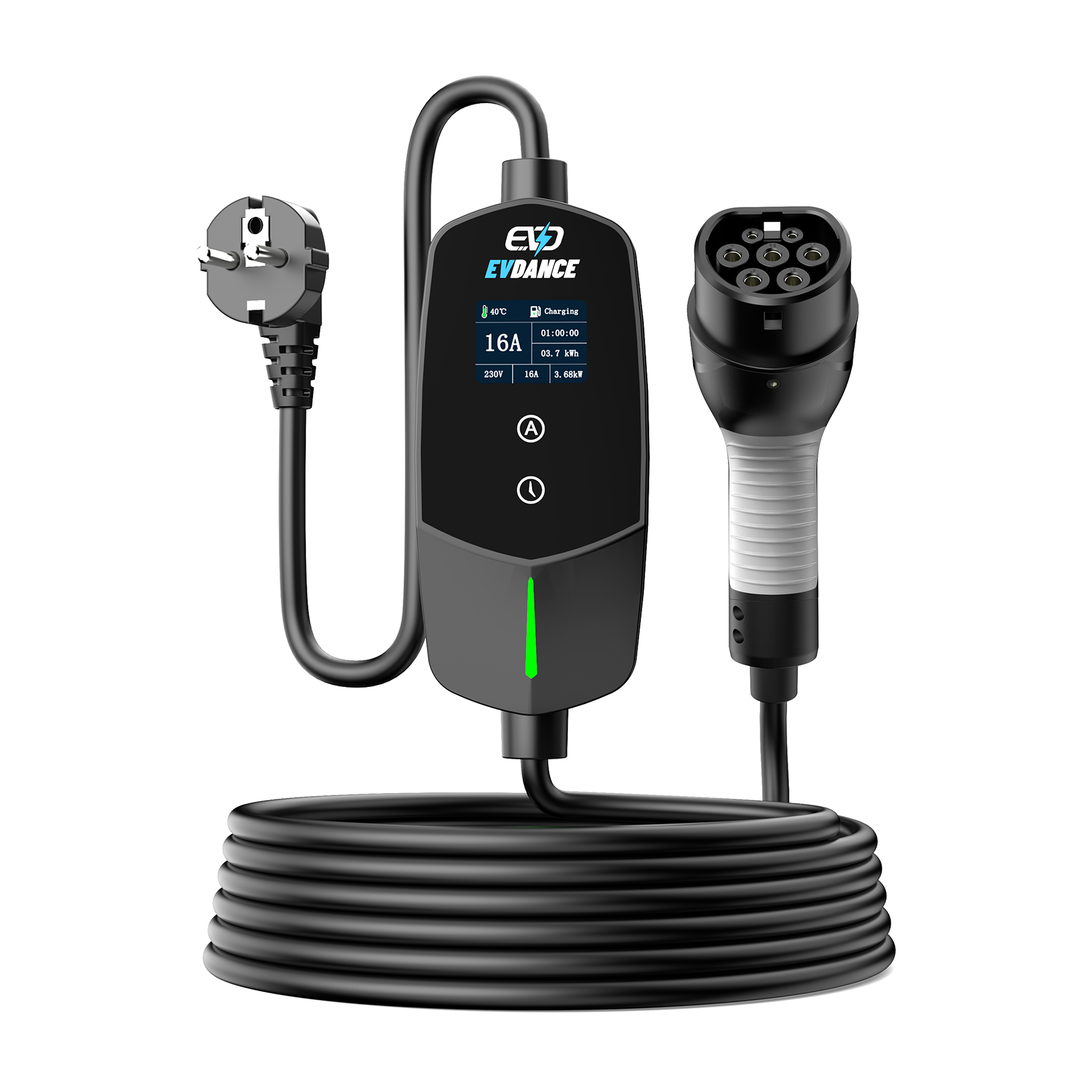
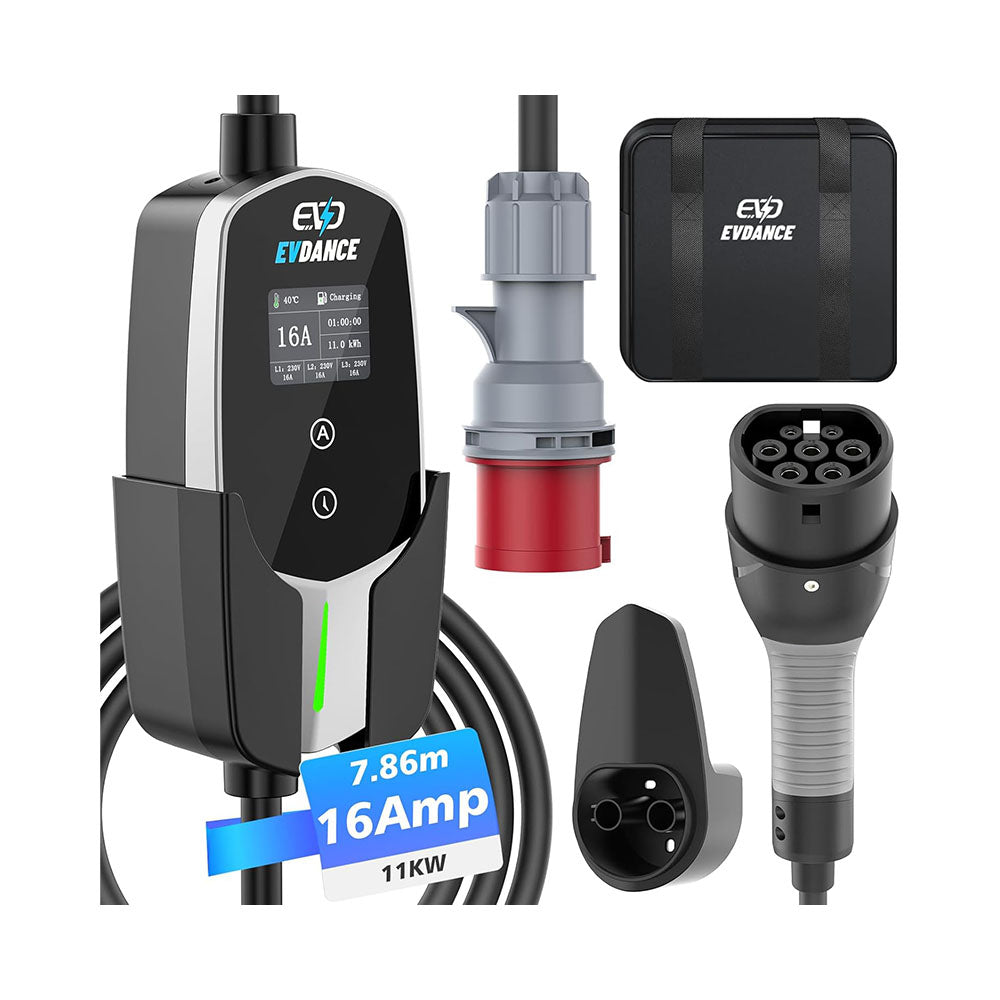
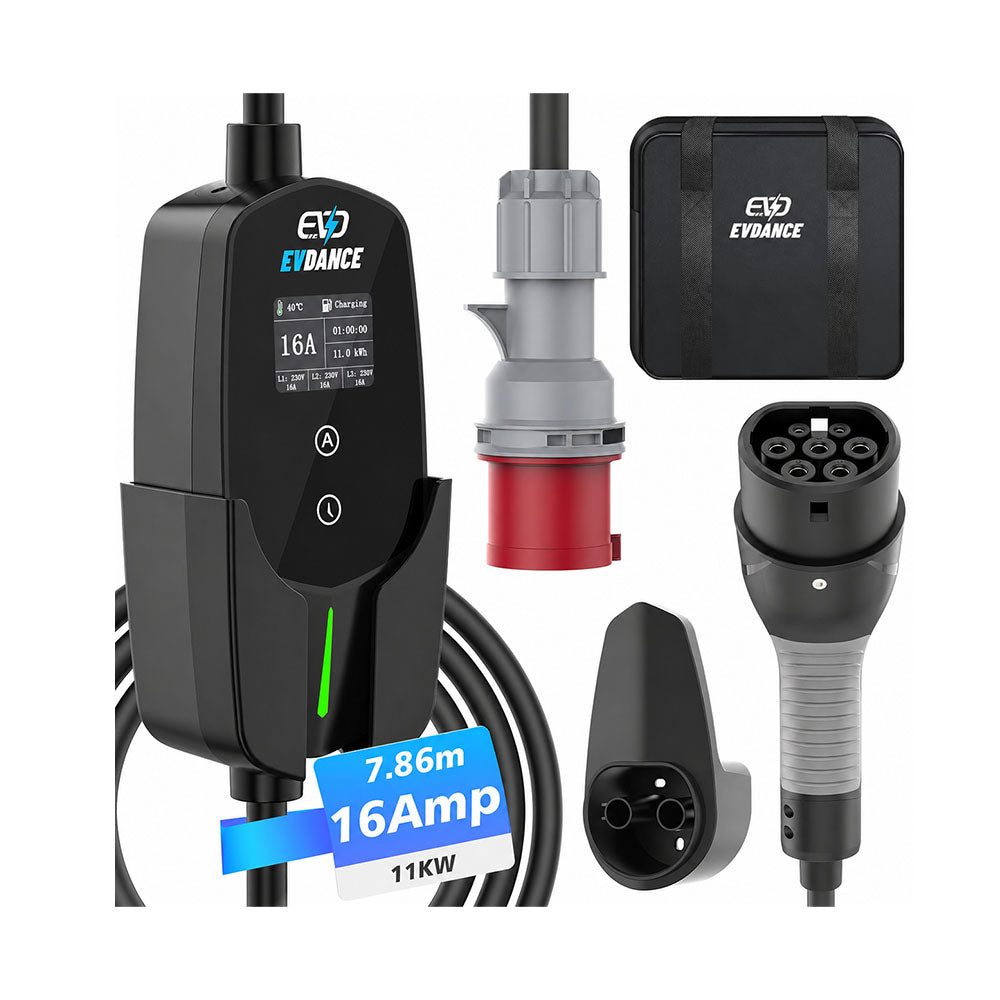
When choosing a cable, compare connector compatibility, electrical rating and usable length. Explore the EVDANCE charging cable range and check the specifications of the exact version you need.






Share:
Will Home EV Charging Resume After a Power Outage?
EVDANCE vs EM2GO: Which 11 kW Mobile Wallbox Fits Better?