

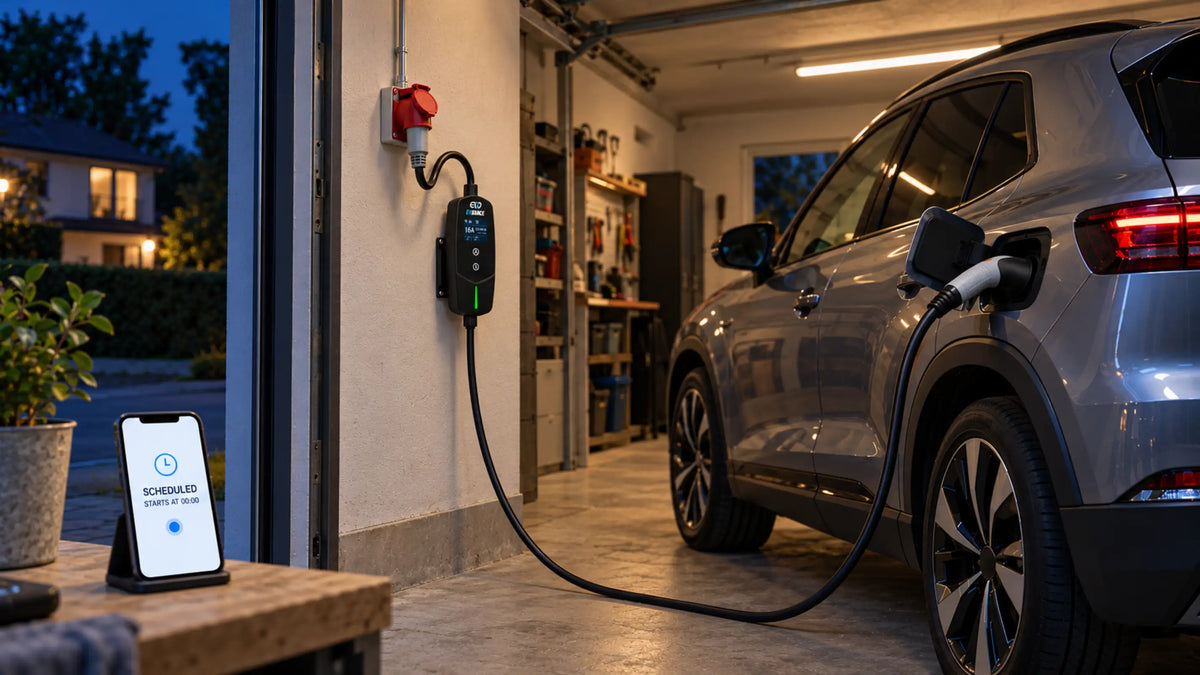
An EV may start charging late—or remain connected without charging—when separate schedules are active in the vehicle and the charger. For a simpler and more predictable setup, choose one main place to control the charging time.
Charging Can Be Scheduled in Different Places
Depending on the vehicle and charging equipment, the start time may be controlled through:
-
the vehicle or its App
-
the wallbox or portable charger
-
the charger’s App
-
a delay timer on the charging device
A vehicle schedule controls when the car is ready to accept power. A charger schedule controls when the charging equipment makes power available.
When both sides use a schedule, charging can begin only during the time allowed by both settings.
Two Schedules Can Reduce the Available Charging Time
Suppose the charger is set to operate between midnight and 6:00 a.m., while the vehicle is set to begin charging at 4:00 a.m.
The effective charging window is then only 4:00 a.m. to 6:00 a.m. This may not leave enough time for the battery to reach the desired level.
Charging may not start at all when the vehicle requests power after the charger’s permitted period has ended. In this situation, the cable and charging equipment may be working normally—the two schedules simply do not match.

Choose One Main Place to Set the Schedule
A vehicle-based schedule can be convenient when the same car is charged at different locations. The charging time remains connected to the vehicle, although some models save schedules according to location.
A charger-based schedule can be more practical when several vehicles share one home charging point or when charging should follow off-peak electricity hours. Keeping the schedule in the charger also avoids changing the settings in each vehicle.
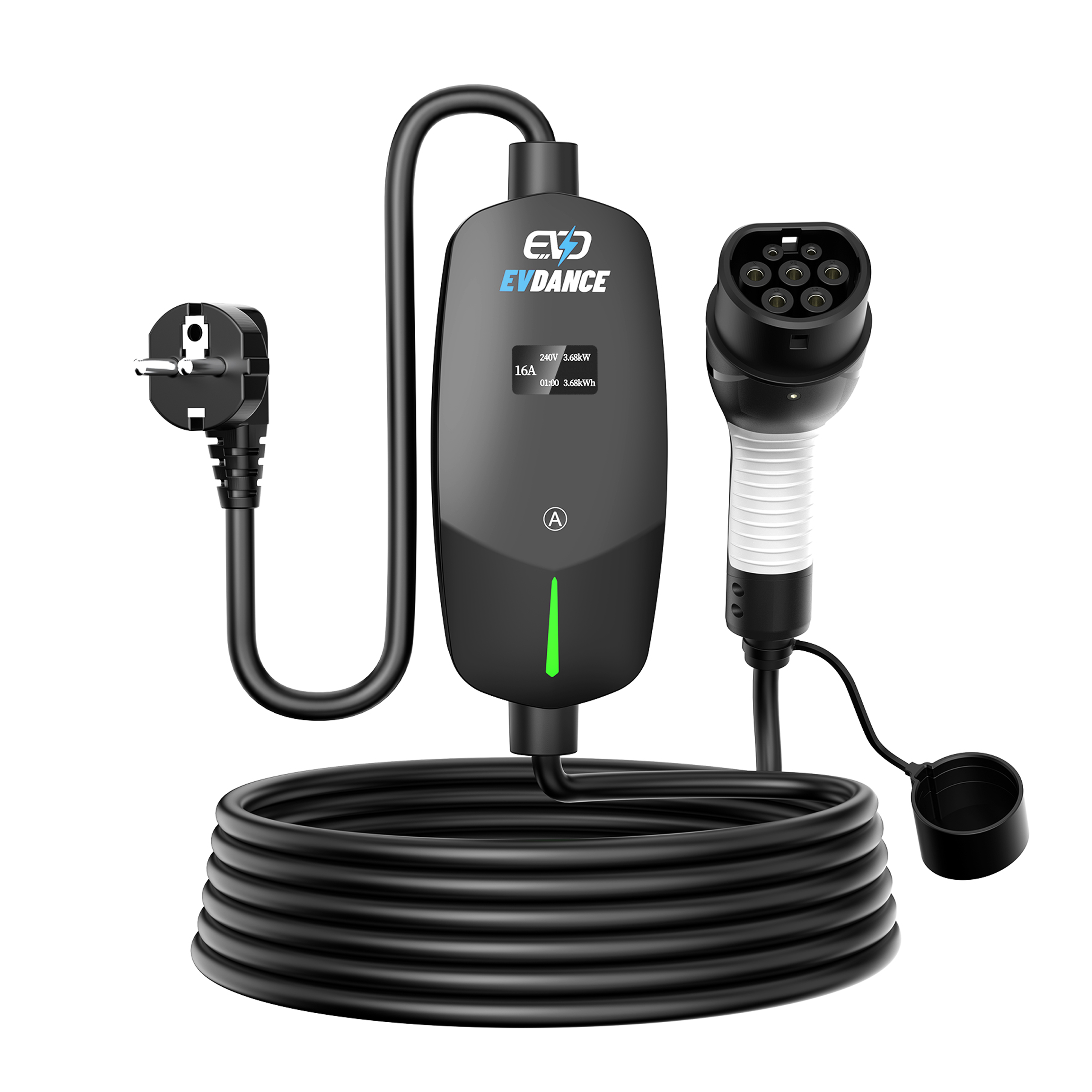
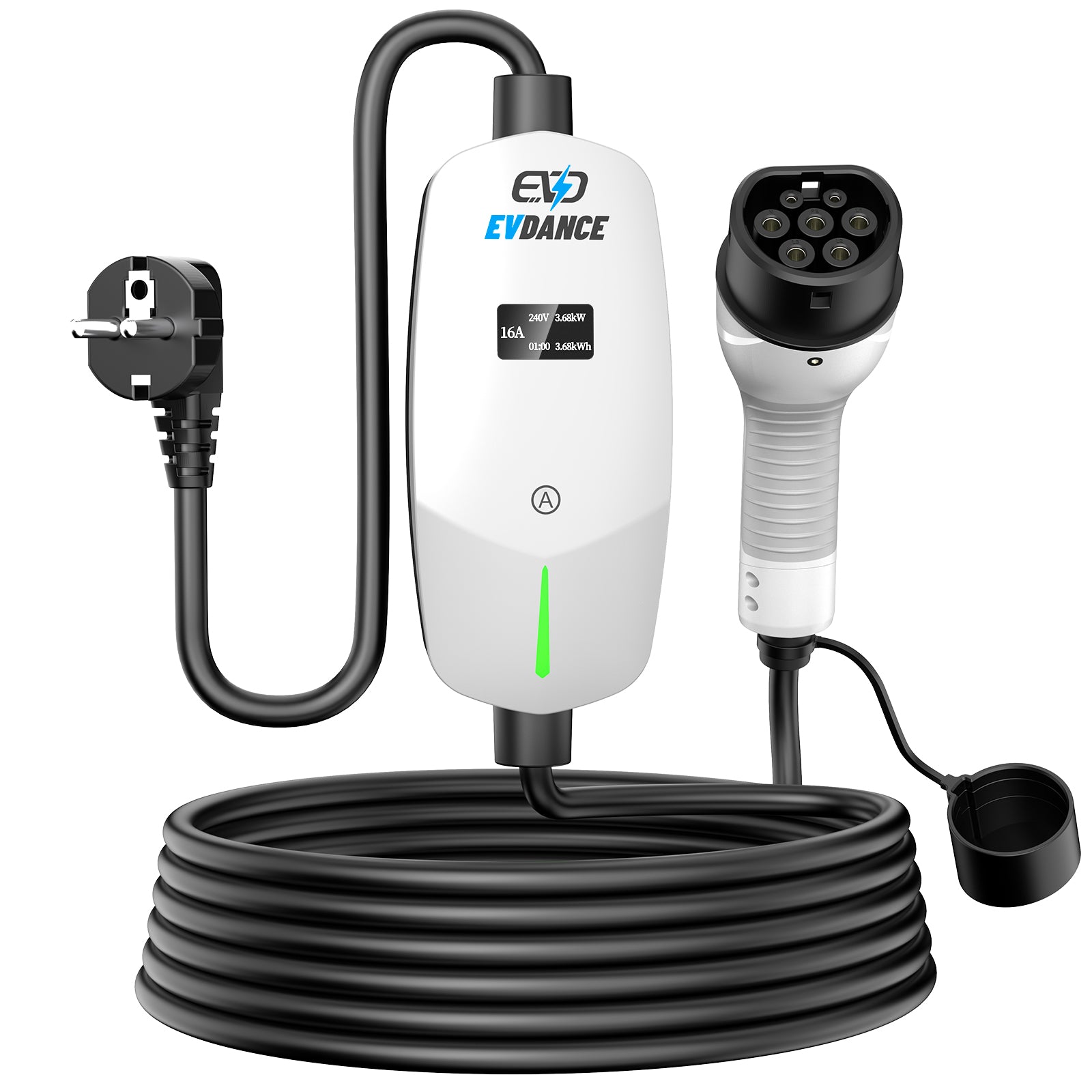
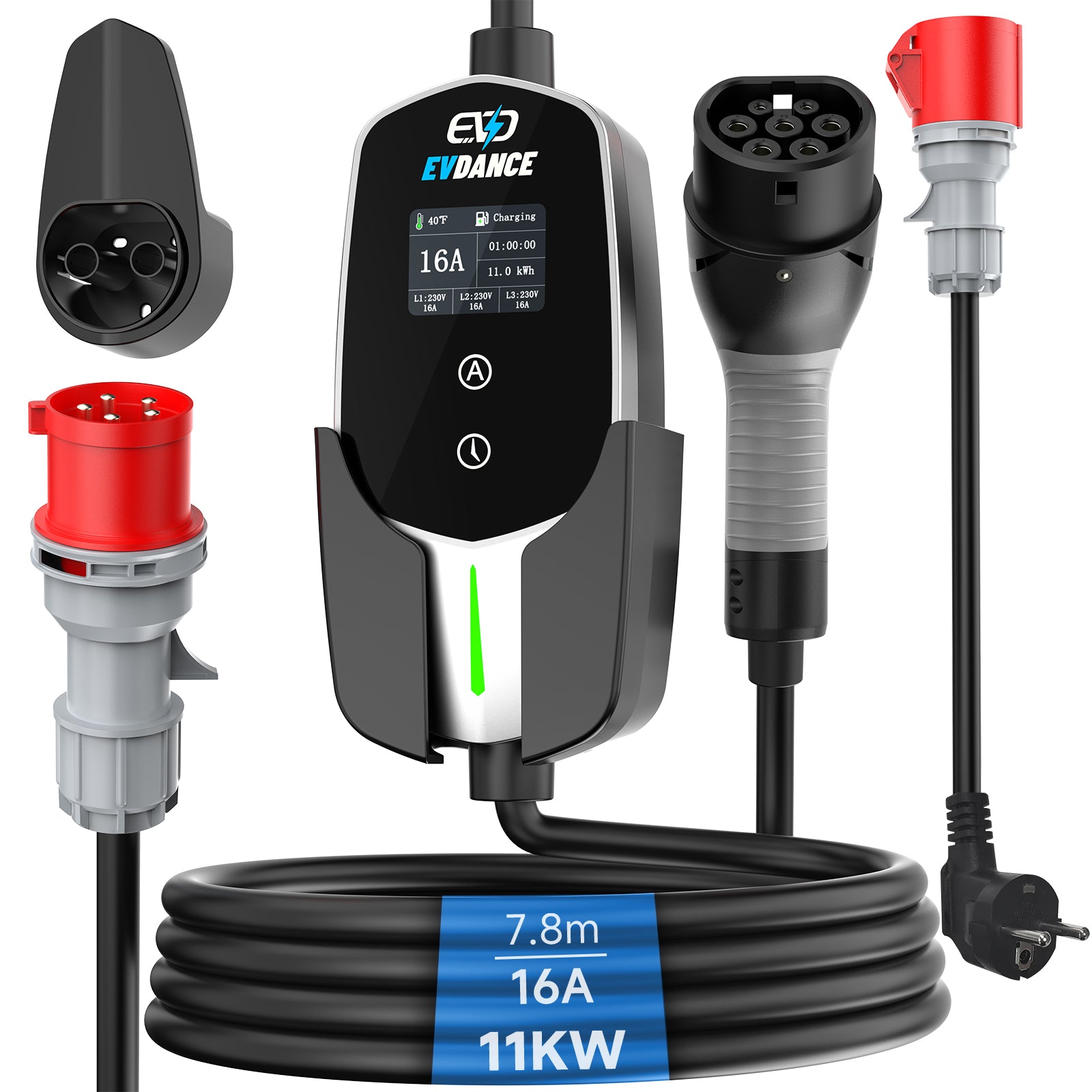
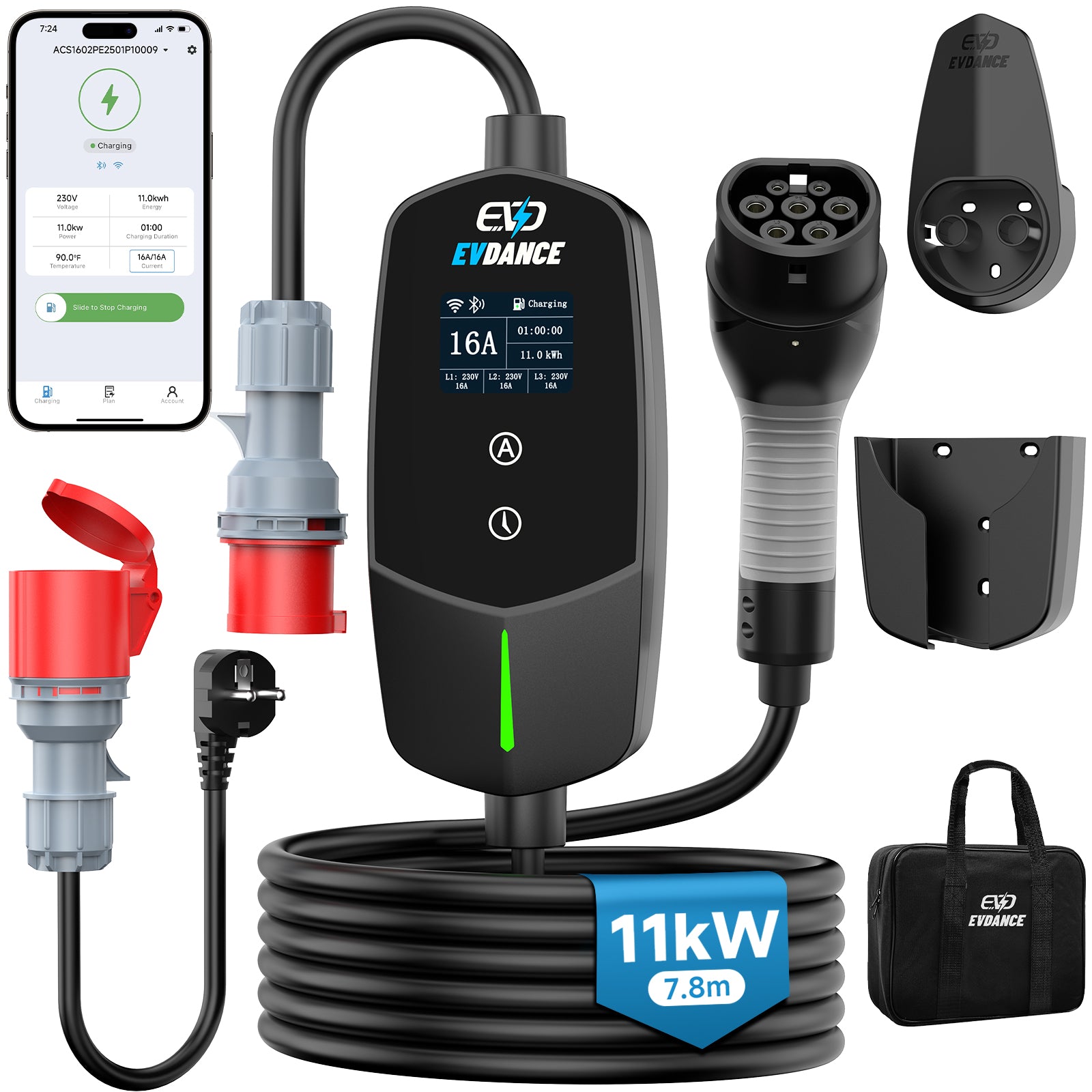
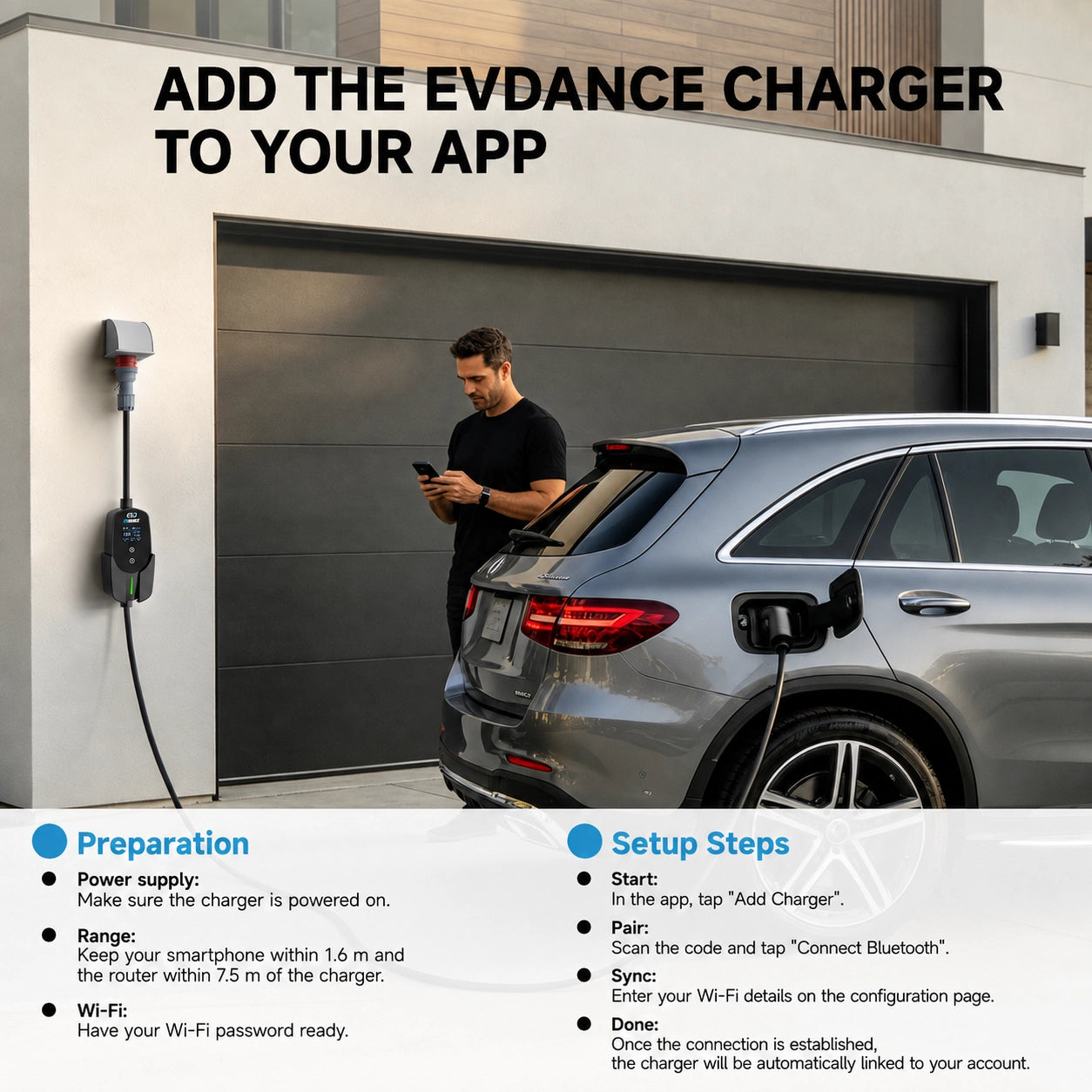
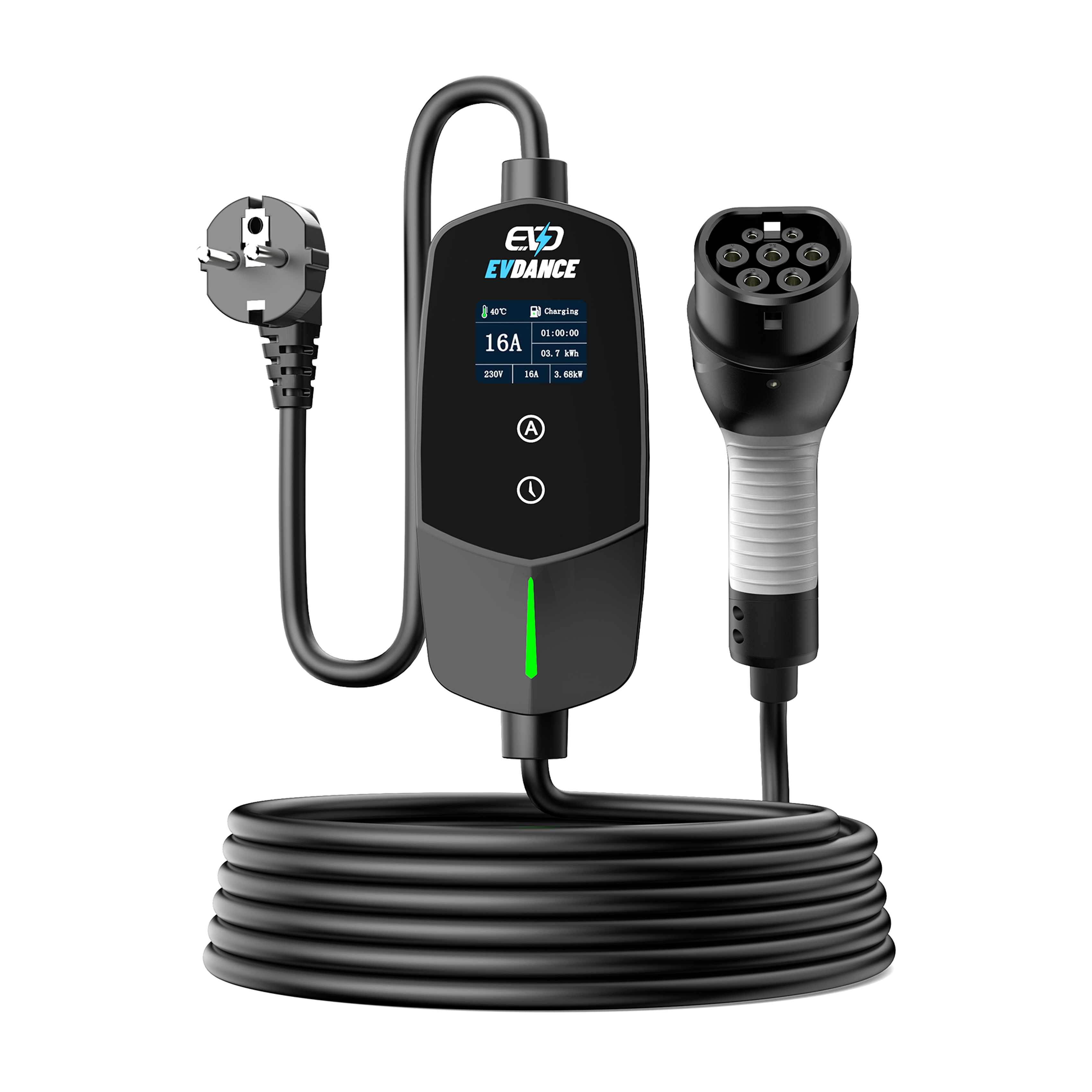
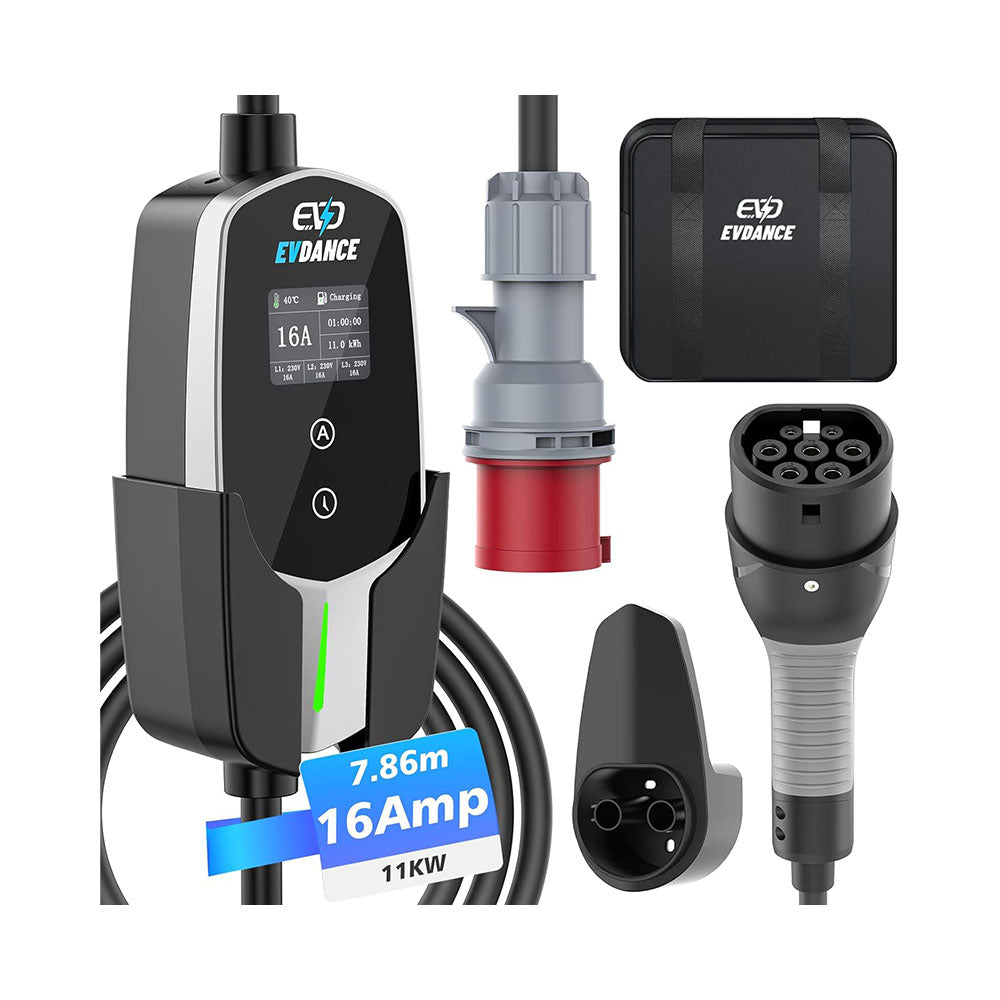
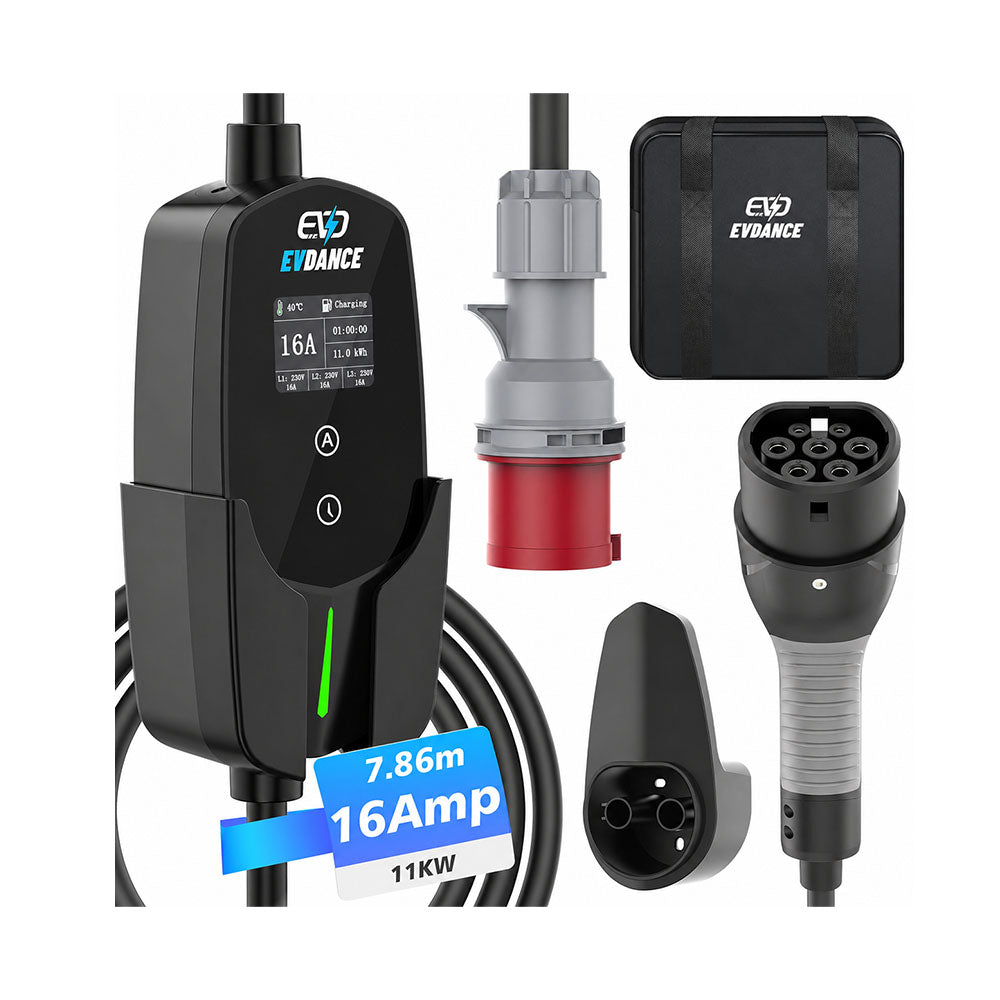
App-controlled chargers can keep the start time and charging status in one place. On the EVDANCE 11 kW Mobile Wallbox with App, these functions are managed through its Wi-Fi and Bluetooth connection. When the charger controls the timing, the vehicle should remain ready to accept power.
For more information about these connections and their different purposes, read Wi-Fi, Bluetooth and RFID on a Wallbox Explained.
A Delay Timer Works Differently from a Fixed Schedule
Some portable chargers provide a delay timer rather than a clock-based weekly schedule.
A delay timer counts forward from the moment it is set. If a four-hour delay is selected at 8:00 p.m., charging begins at approximately midnight. Selecting the same delay at 10:00 p.m. moves the start time to approximately 2:00 a.m.
A fixed schedule instead uses a specific time or recurring period, such as midnight to 6:00 a.m. on weekdays.
Check whether the charger uses a countdown, a fixed start time or a repeating schedule before relying on it for overnight charging.
Check the Status After Connecting
After connecting the vehicle, check the car, charger display or App to confirm what is happening.
The status will usually indicate one of three situations:
-
Charging – energy transfer has started
-
Scheduled or Waiting – the connection is ready, but charging will begin later
-
Error or Offline – another issue is preventing the session from starting
A waiting status is not necessarily a fault. Check the displayed start time before changing the cable, restarting the charger or looking for a hardware problem.
Start Time, Charge Limit and Departure Time Are Different
The charging start time determines when the vehicle may begin charging. The charge limit determines the battery level at which charging should stop.
A departure-time setting can work differently. Some vehicles calculate when charging needs to begin so the selected battery level is reached before the planned journey. The same setting may also prepare the cabin or battery before departure.
Changing one of these settings does not always update the others. Check them separately if the displayed charging time does not match the expected schedule.
Keep the Schedule Simple
Start by setting the charging time in either the vehicle or the charger. Connect the vehicle and confirm that the status shows charging or waiting for the correct start time.
If schedules are later used on both sides, compare their permitted periods carefully. One main schedule is usually easier to check and less likely to produce an unexpectedly short charging window.
Recommend Reading: Wi-Fi, Bluetooth and RFID on a Wallbox Explained






Share:
Why Is My Electric Car Charging So Slowly at Home? 7 Common Reasons
What Does 6 mA DC Protection Mean on an EV Charger?