

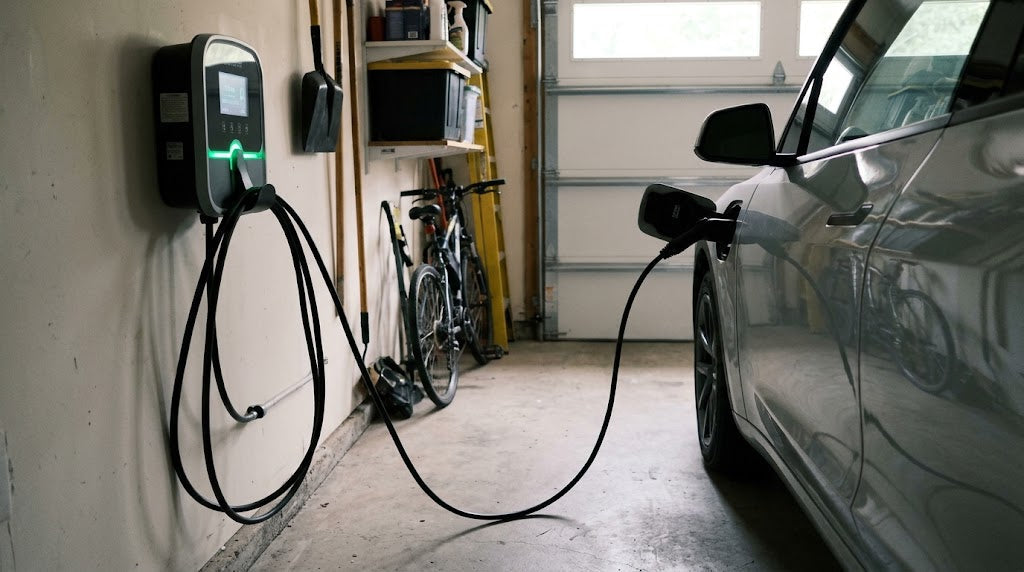
A power outage stops the current charging session, but charging may restart after electricity returns. Whether it resumes automatically depends on the vehicle, charger, authorisation method and any active charging schedule.
The safest approach is to check the charging status after power is restored rather than assuming the vehicle has continued charging.
What Happens When the Power Is Interrupted?
During an outage, the charger can no longer provide AC power to the vehicle. The charging session therefore stops or pauses until electricity becomes available again.
Energy already stored in the battery is not lost. However, the charger display and App may temporarily show the device as offline because the charger, router or internet connection has also lost power.
After electricity returns, the charger and vehicle need to establish communication again. This may take a short time rather than happening immediately.
Will Charging Restart Automatically?
Some home charging setups resume without any action, while others remain in standby or require a new start condition.
| Charging setup | Possible result after power returns |
|---|---|
| Basic home charging without a schedule | Charging may restart automatically |
| Vehicle charging schedule is active | The vehicle may wait for the permitted charging time |
| Charger schedule or delay timer is active | The charger may remain in standby |
| App or RFID authorisation is required | The session may need to be authorised again |
| Charger recorded a fault | Charging may remain stopped until the warning is checked |
The exact response varies between products. Automatic restart should not be assumed unless it is described in the charger or vehicle manual.
A short delay can also be normal while the charger restarts and reconnects to the vehicle. If the status changes to “Scheduled” or “Waiting,” check whether a charging plan is active in the vehicle or charger.
A Power Outage Is Different from a Tripped Circuit
A general outage normally affects other lights and appliances in the building. If only the EV charging circuit loses power, the interruption may instead involve a circuit breaker, residual-current device or protection function in the charger.
These situations should not be treated in the same way. A general outage may end once the electricity supply returns. A protective device that repeatedly trips may indicate excessive load, an electrical fault or another condition requiring investigation.
Do not repeatedly reset a breaker or RCD simply to continue charging. First check whether the charger displays a warning and whether the plug, socket or cable shows visible damage or unusual heat.
What to Check After Power Returns
Use a short sequence:
Power restored → Check charger status → Confirm active charging → Review schedules or warnings
Common status messages include:
-
Charging: The session has resumed.
-
Standby: The charger has power, but the vehicle is not currently drawing energy.
-
Scheduled or Waiting: A timer or vehicle setting may be delaying the restart.
-
Fault or Offline: Check the product manual, App connection or displayed warning.
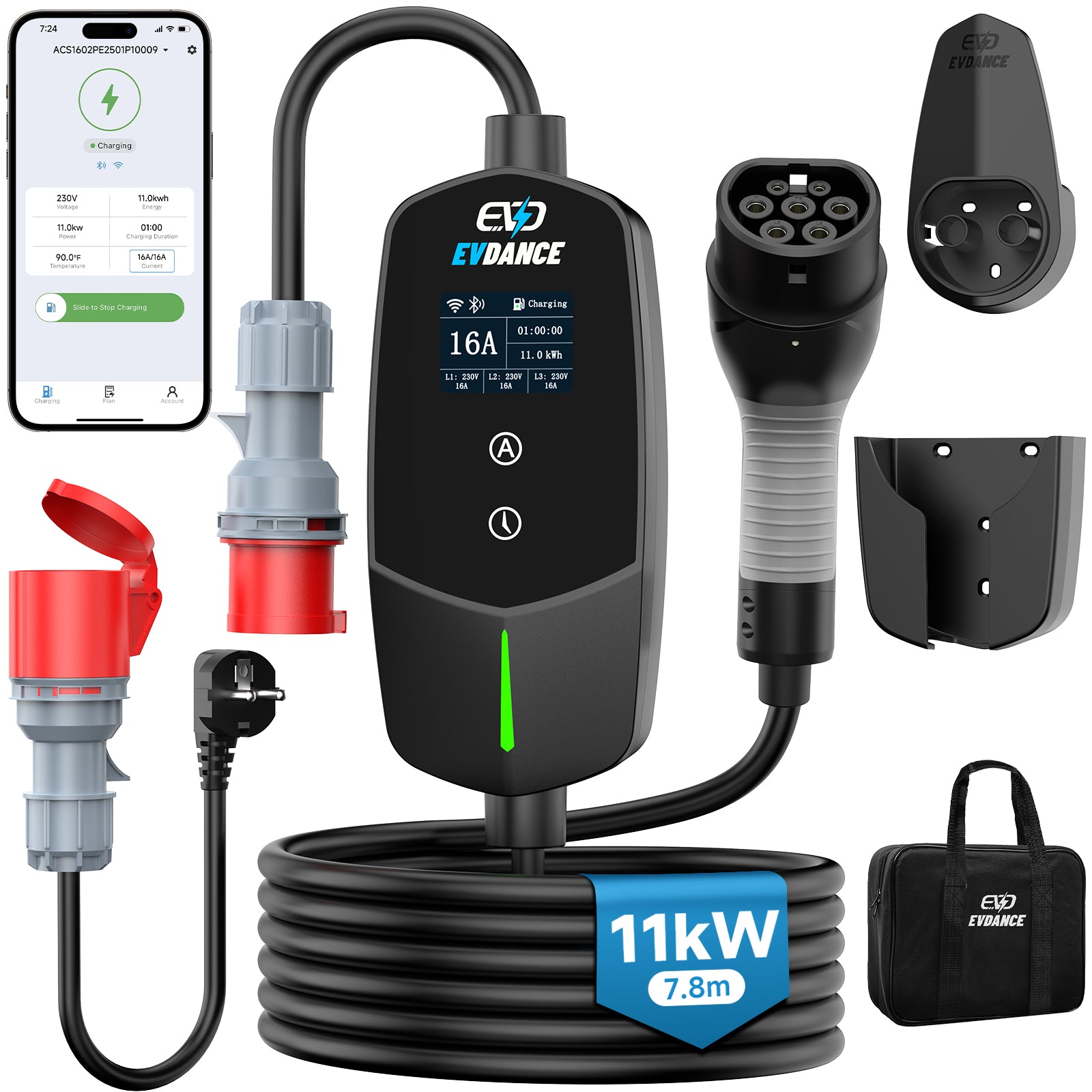
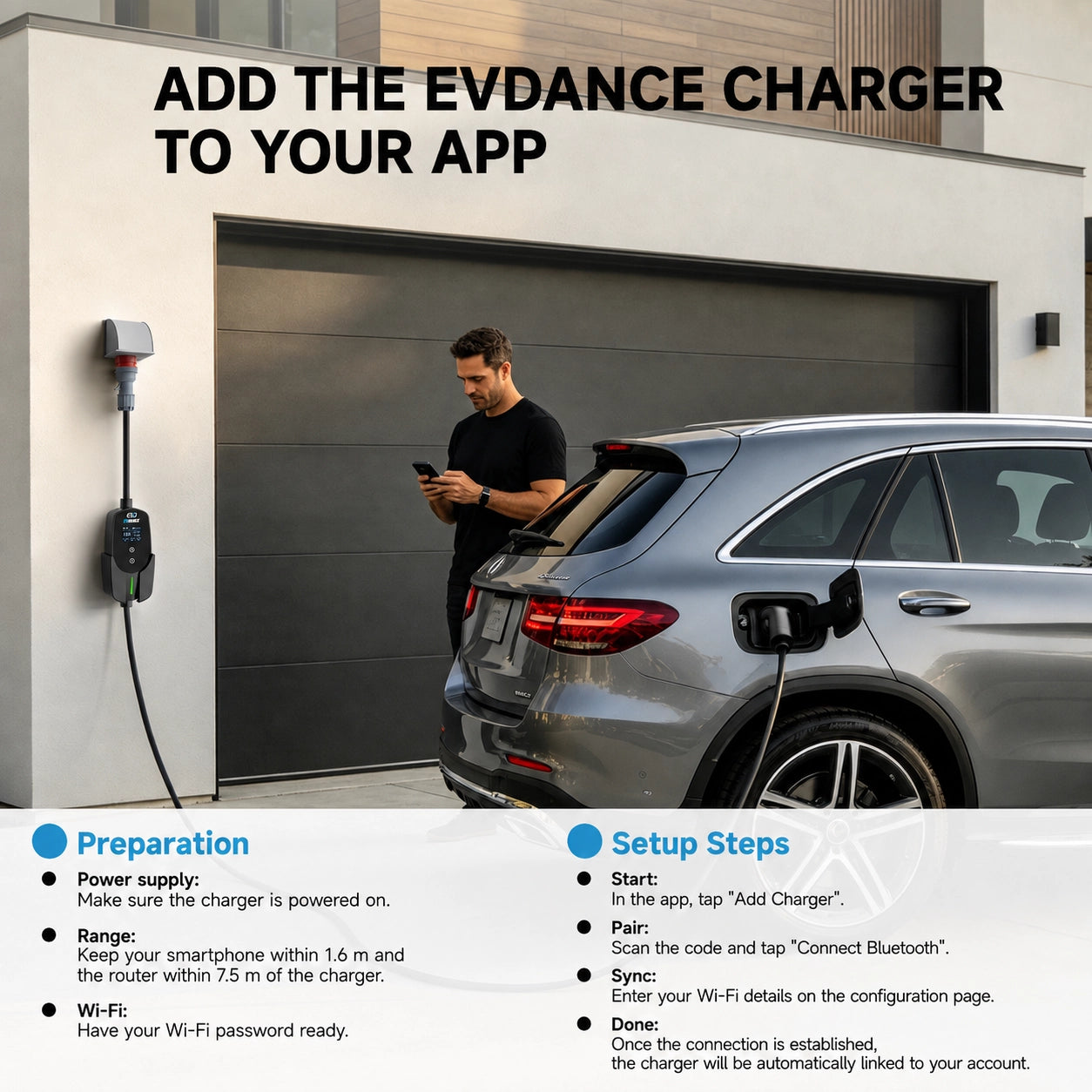
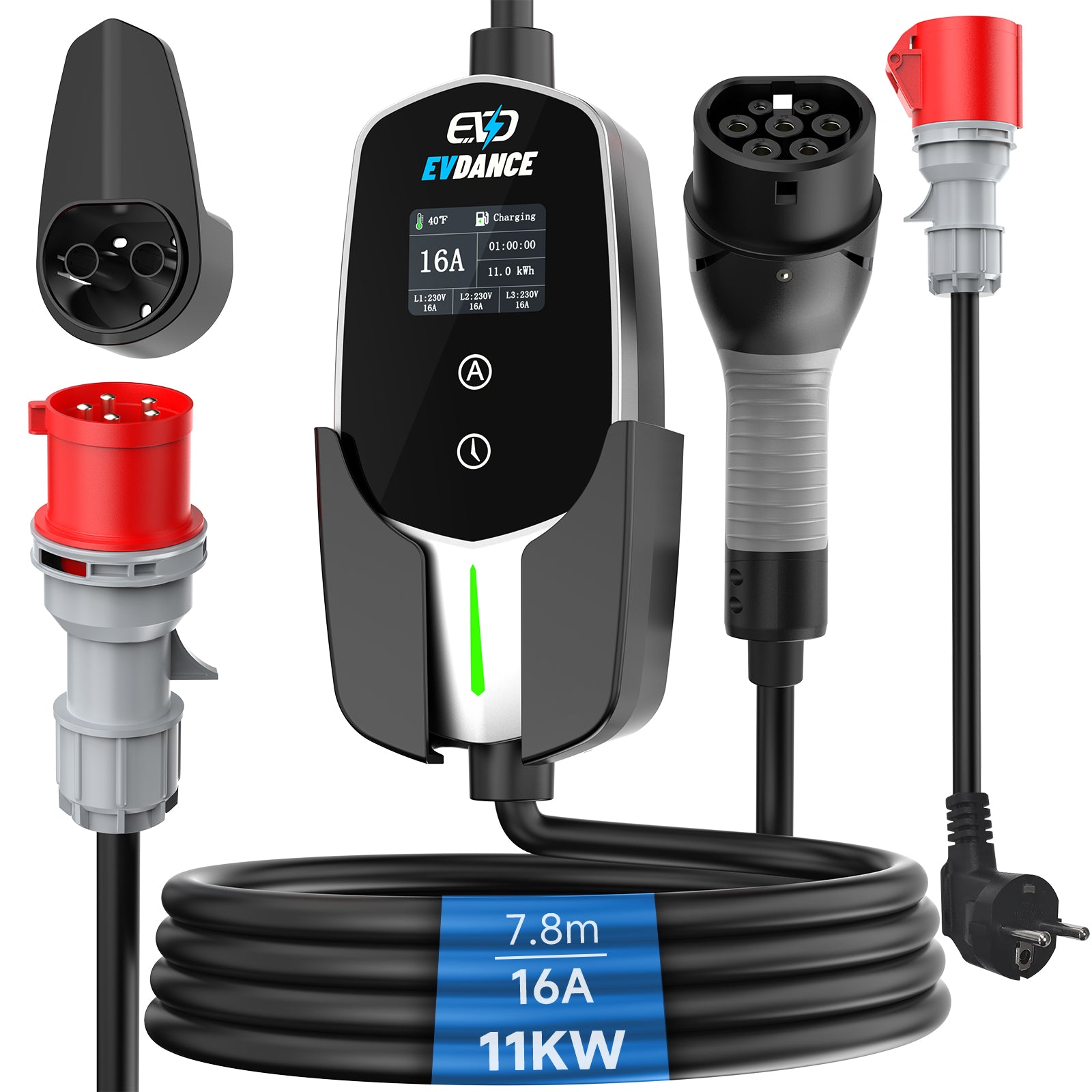
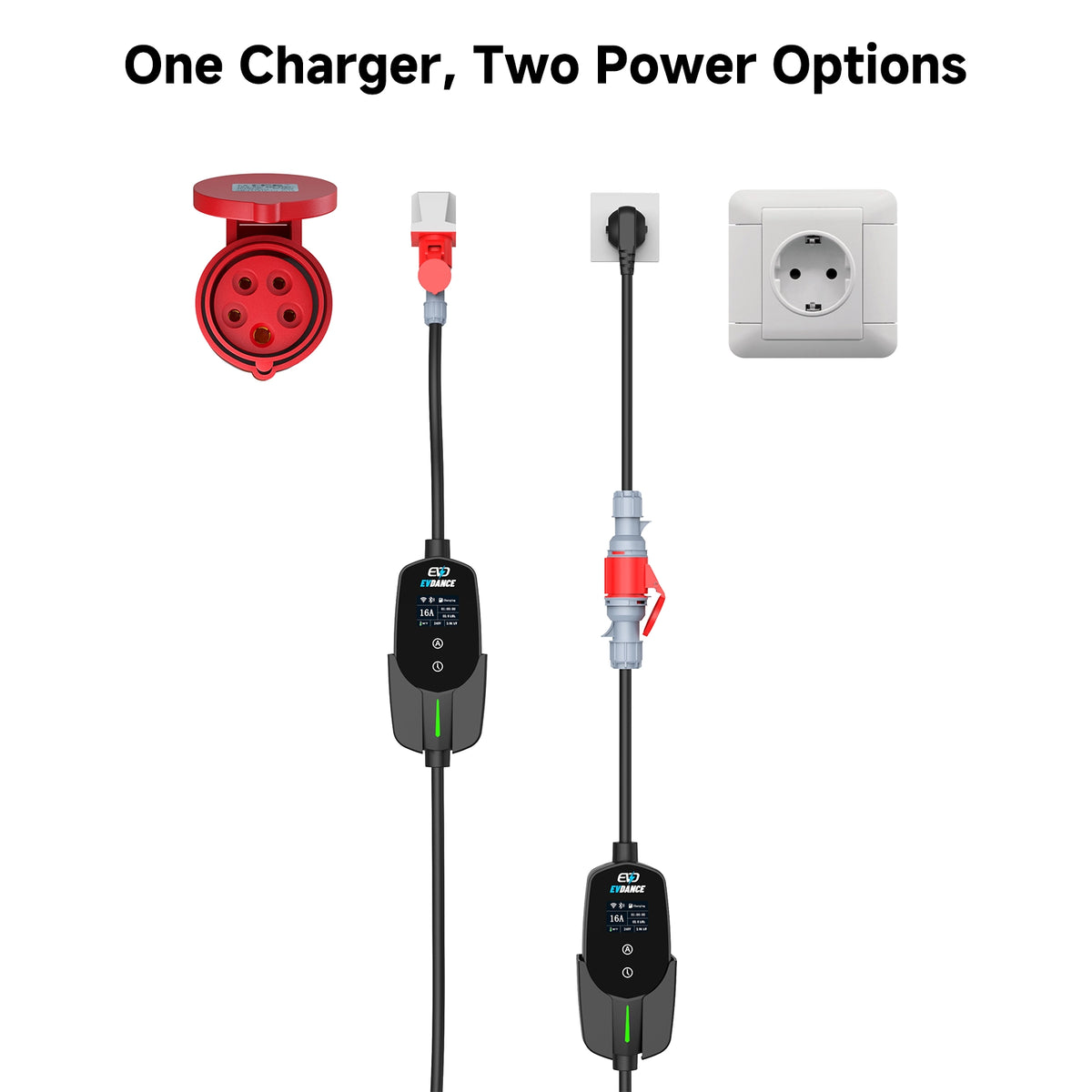
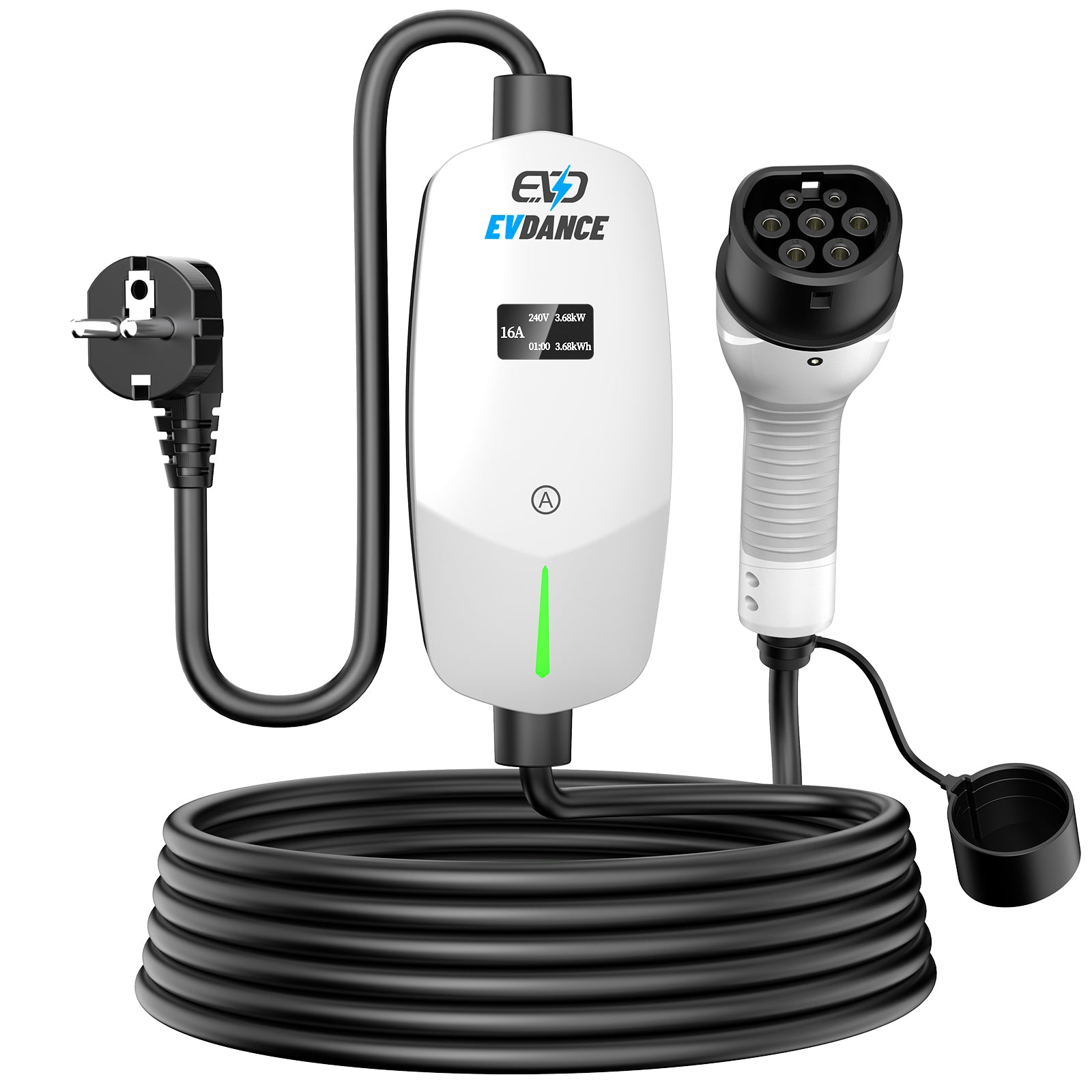
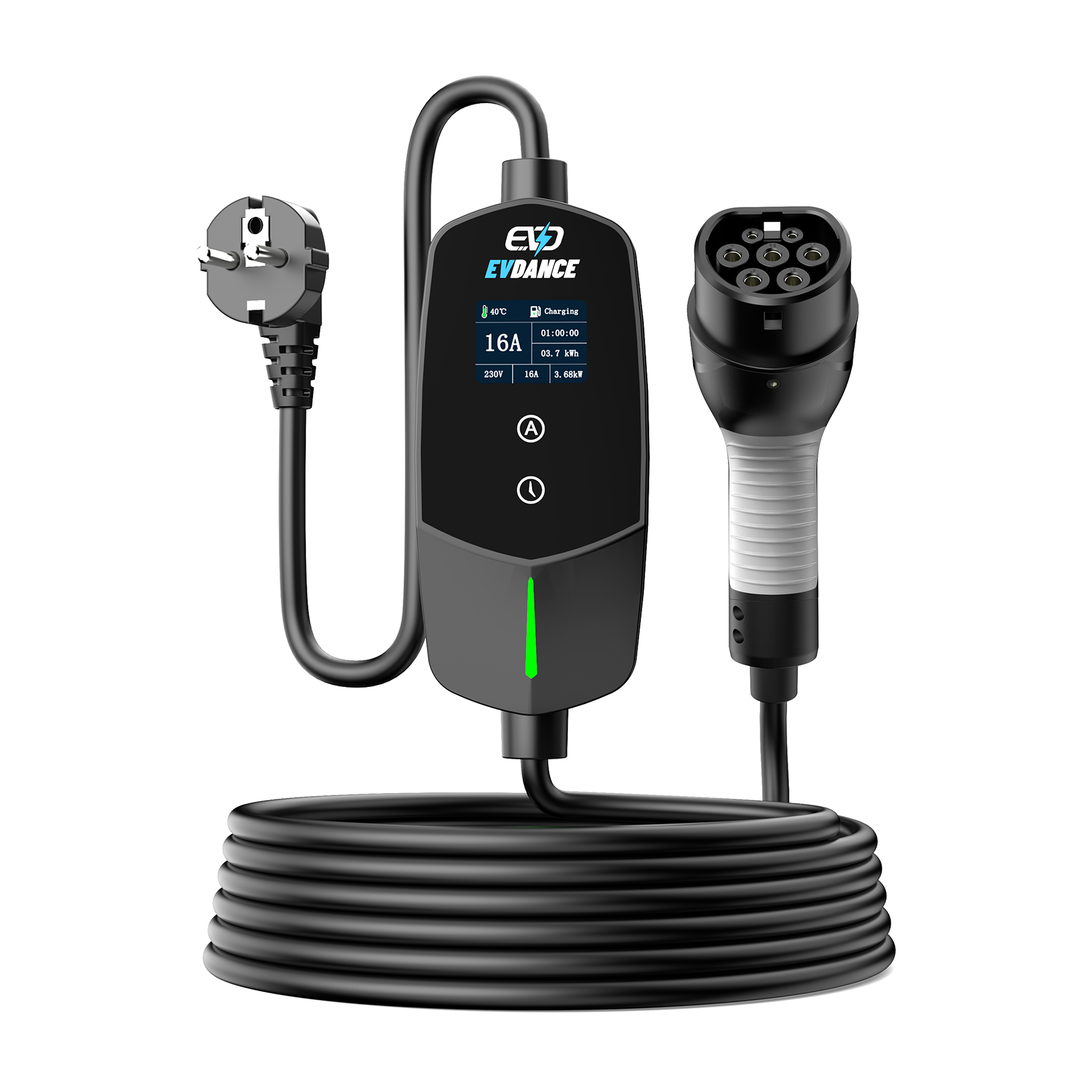
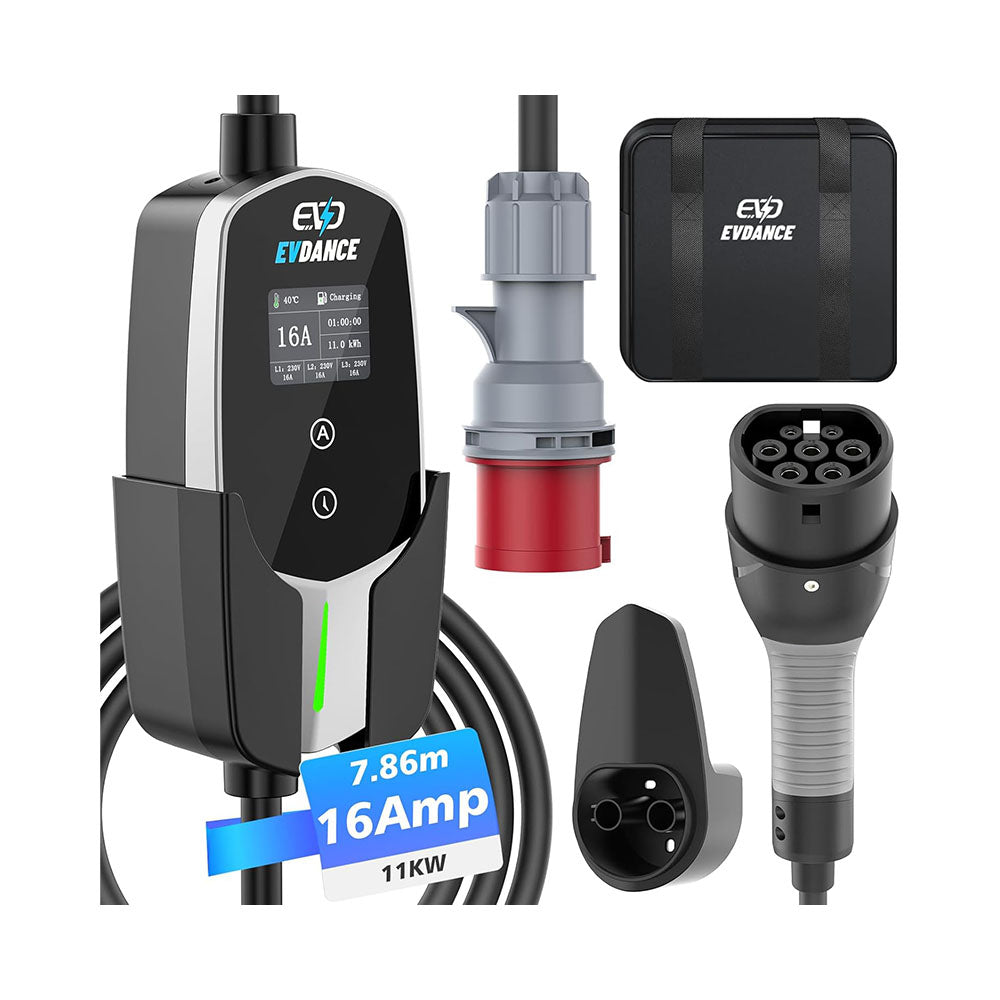
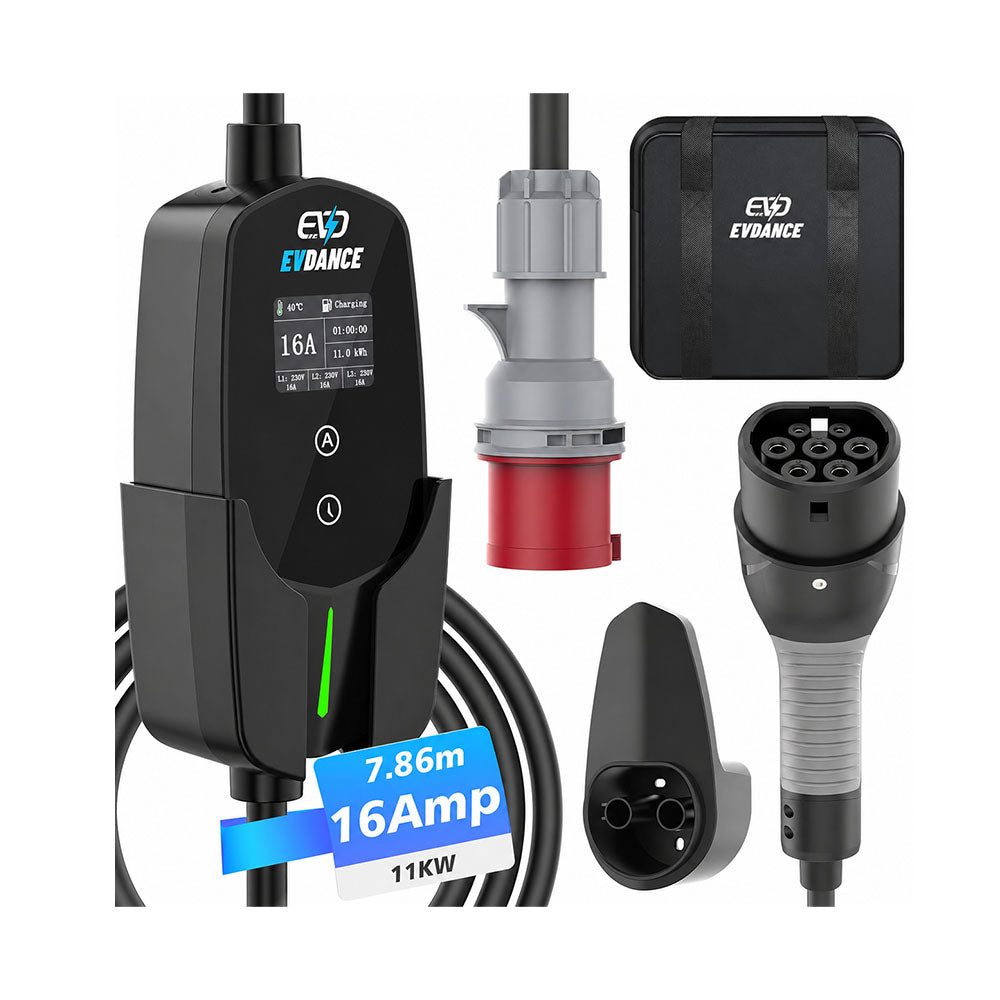
For a charger located in a detached garage or another regular charging area, App monitoring can make this check more convenient. An 11 kW mobile wallbox with App allows the charging status and session information to be viewed through its display and compatible App.
The App may remain unavailable until the charger’s network connection and the home internet service have also restarted.

When the Interruption Needs More Attention
Stop using the charging connection if:
-
the charging circuit loses power again after charging restarts
-
the circuit breaker or RCD repeatedly trips
-
the same fault message continues to return
-
the plug, socket, cable or control box becomes unusually hot
-
there is visible damage, discolouration or an unusual smell
A lower current setting should not be used to work around repeated electrical interruptions without first identifying the cause. If the problem affects only the charging circuit or continues after power has stabilised, contact technical support or a qualified electrician.
After a general power outage, confirm that charging has actually resumed. If the charging circuit repeatedly loses power, treat the interruption as a fault rather than a normal restart issue.
Recommend Reading: Charging Schedules in the Car and Charger Explained






Share:
EV Charging in Winter: A Practical Guide for Home Charging
How to Store and Care for Your Type 2 Charging Cable