

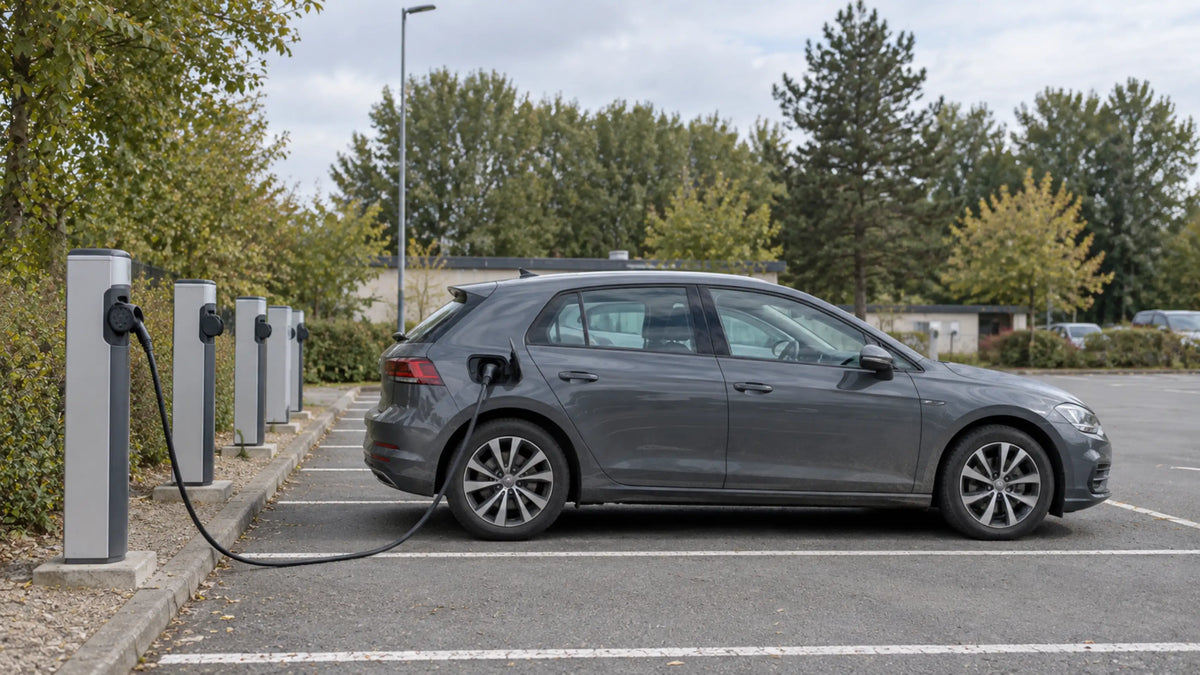
At an untethered public AC charging station, drivers normally need to bring their own Type 2-to-Type 2 cable. The main points are to check the equipment before connecting, follow the station’s instructions and end the charging session before removing the cable. If a connector remains locked, do not try to force it out.
Using the Cable at an Untethered AC Station
An untethered AC charging station has a Type 2 socket but no permanently attached cable. You therefore need a separate Type 2-to-Type 2 cable. If you are unsure how this differs from a portable charger, see our guide to portable EV chargers and Type 2 charging cables.
Before connecting, briefly check the cable, vehicle inlet and charging-station socket for visible damage, dirt or standing water. Do not use the equipment if a connector or socket appears damaged.
Park so the cable can reach the vehicle without being stretched or routed across another parking space. Insert both connectors fully and start the session with the operator’s App, an RFID card or the station terminal.
The exact order varies between charging networks. Some stations require the cable to be connected before authentication, while others ask the driver to authenticate first. Follow the instructions shown on the station or in the operator’s App.
Before leaving the vehicle, check the display or App to confirm that charging has started. A connected cable does not always mean that an active charging session has begun.
EVDANCE offers 11 kW and 22 kW Type 2 charging cables for compatible socketed wallboxes and public AC charging stations. Both options are available in different lengths for different parking and charging situations.
Ending the Session and Removing the Cable
Stop the charging session through the operator’s App, RFID card or station terminal. Depending on the vehicle, charging may also be stopped or released from the car.
Wait until the vehicle and charging station release their connector locks. Once the cable is unlocked, hold each connector by its body and remove it according to the station instructions. Do not disconnect the cable by pulling on the cable itself.
Check the connectors before putting the cable away. Keep the protective caps clean and coil the cable without tight bends. Store it where the connectors will not be crushed or exposed to unnecessary dirt and moisture.
If the Connector Remains Locked
A connector may remain locked because the charging session is still active or the vehicle has not yet released its charging port. Use this short sequence:
End the session → Unlock the vehicle → Check the charging status → Try again
If the connector is still locked, follow the release instructions in the vehicle manual or contact the charging operator for assistance.
Important: Never pull, twist or use a tool to release a locked connector.
Public AC charging networks do not all use the same operating sequence. Following the instructions at the station, confirming that charging has started and waiting for the connector to unlock can prevent most common problems. Careful handling also reduces unnecessary strain on the cable, vehicle inlet and charging-station socket.
Recommend Reading: Portable EV Charger vs. Type 2 Cable: What Is the Difference?


Share:
Portable EV Charger vs. Wallbox: Which Is Better for Home Charging?
Mobile Wallbox or Fixed Wallbox: Which Solution Fits Better?